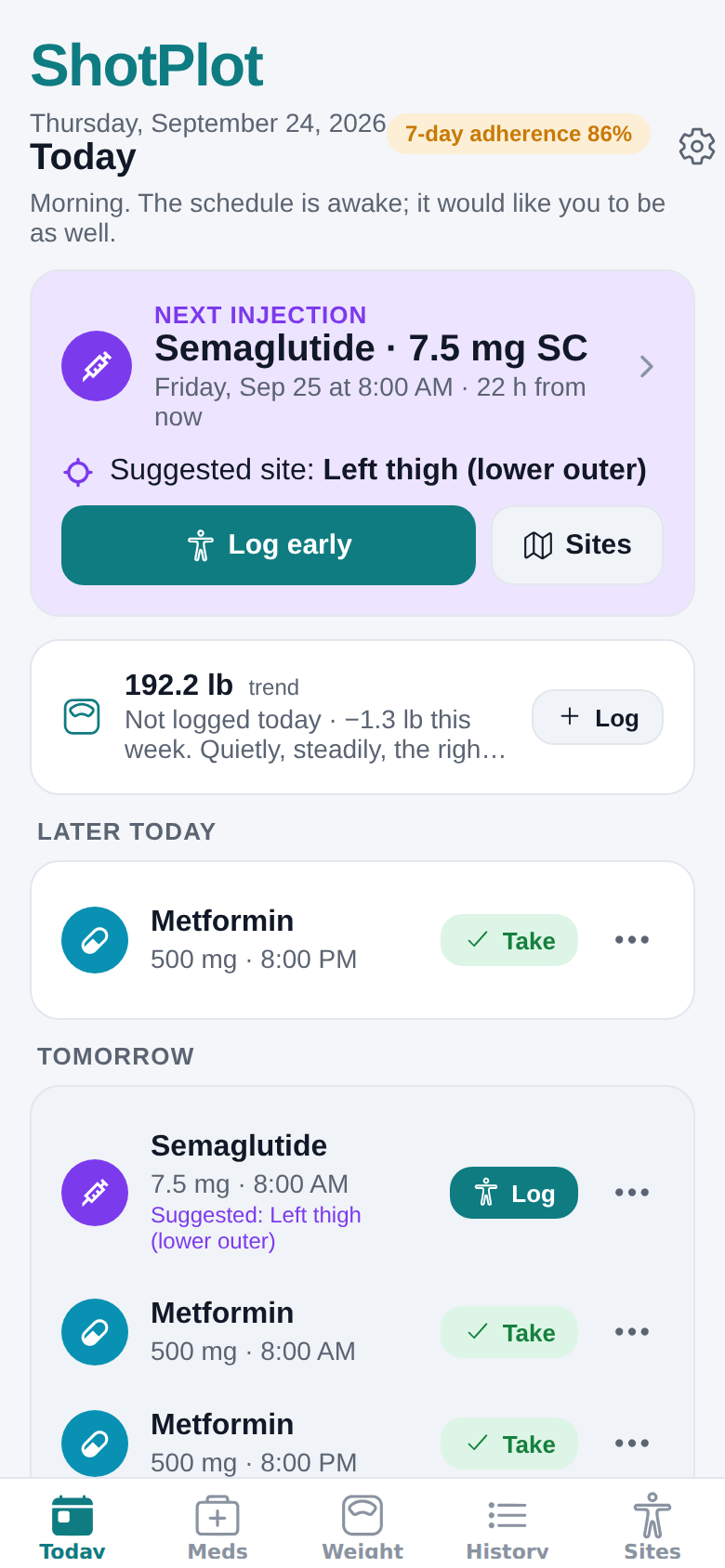
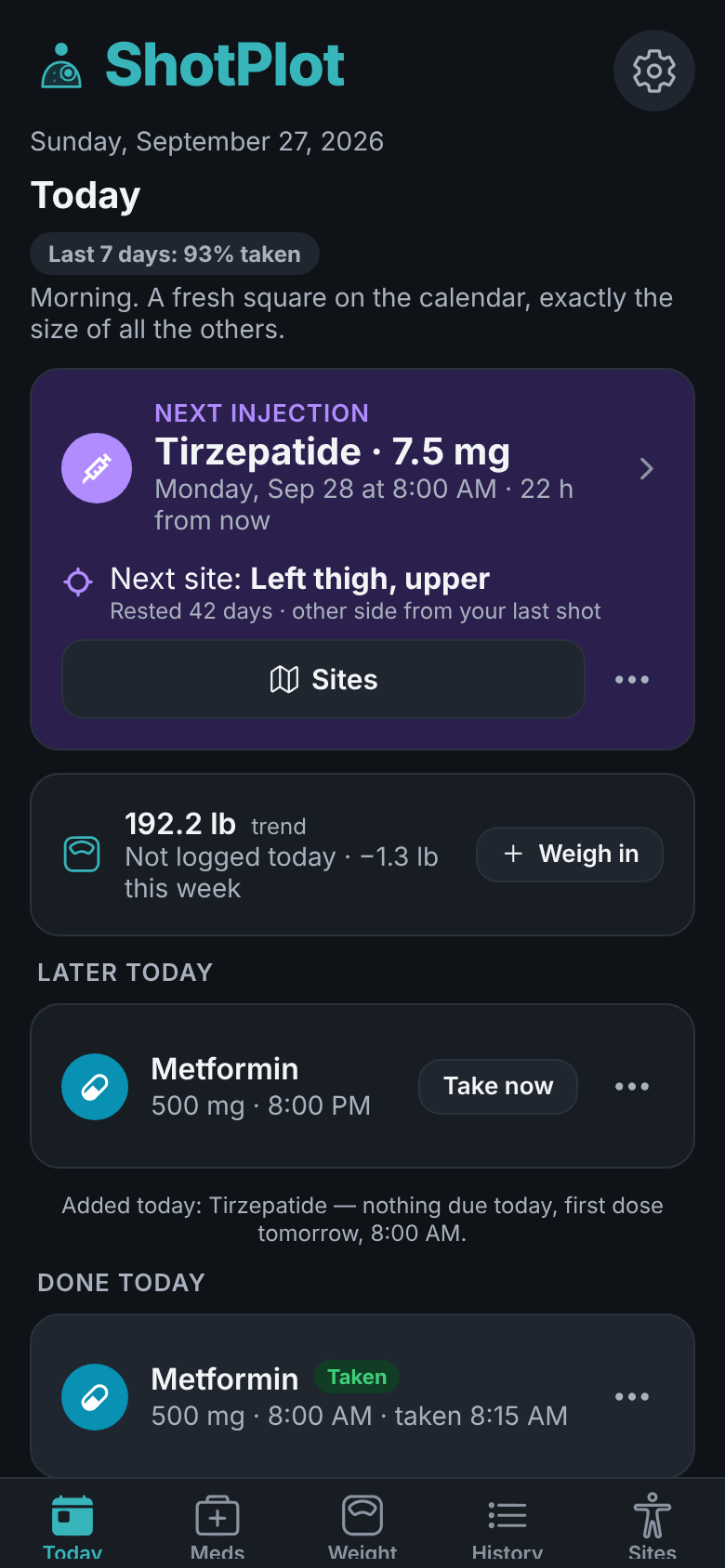
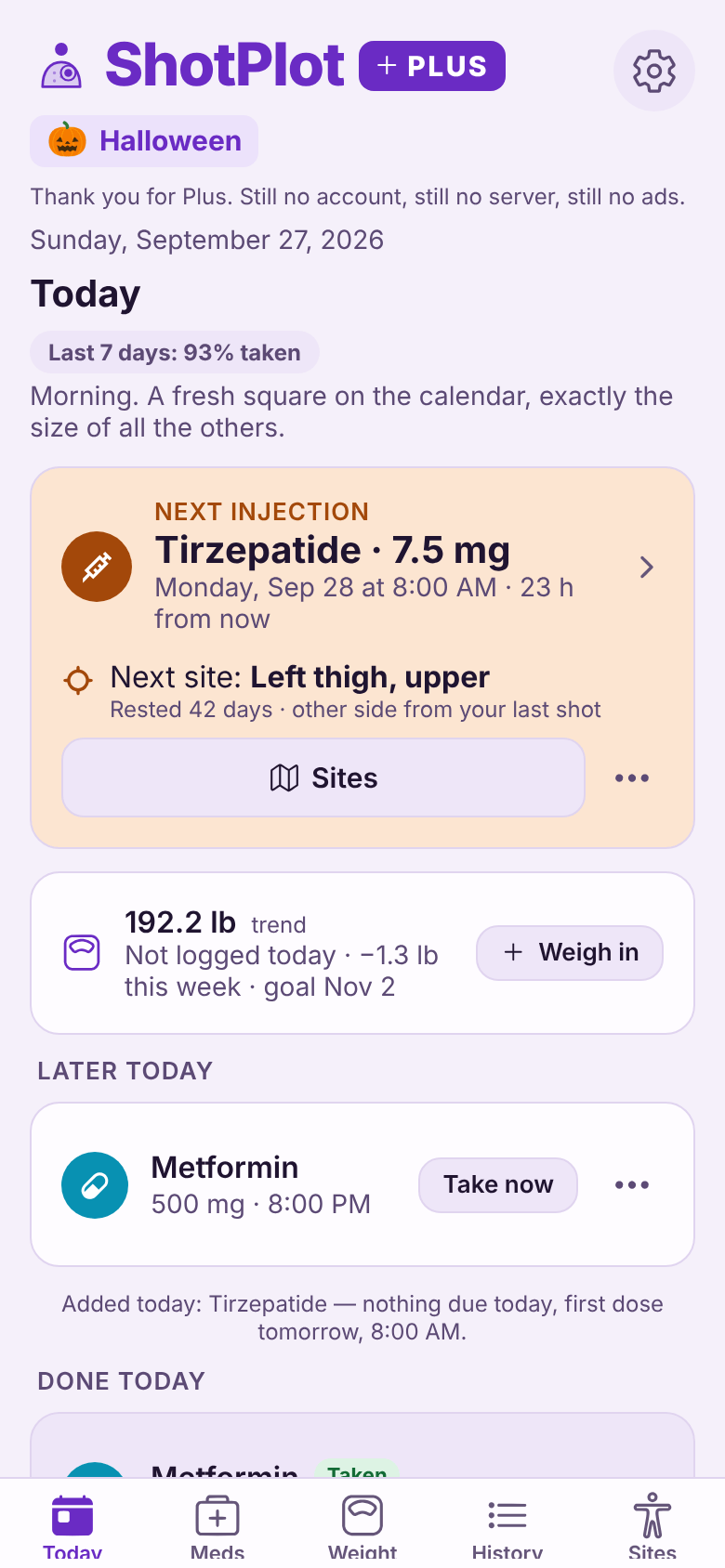
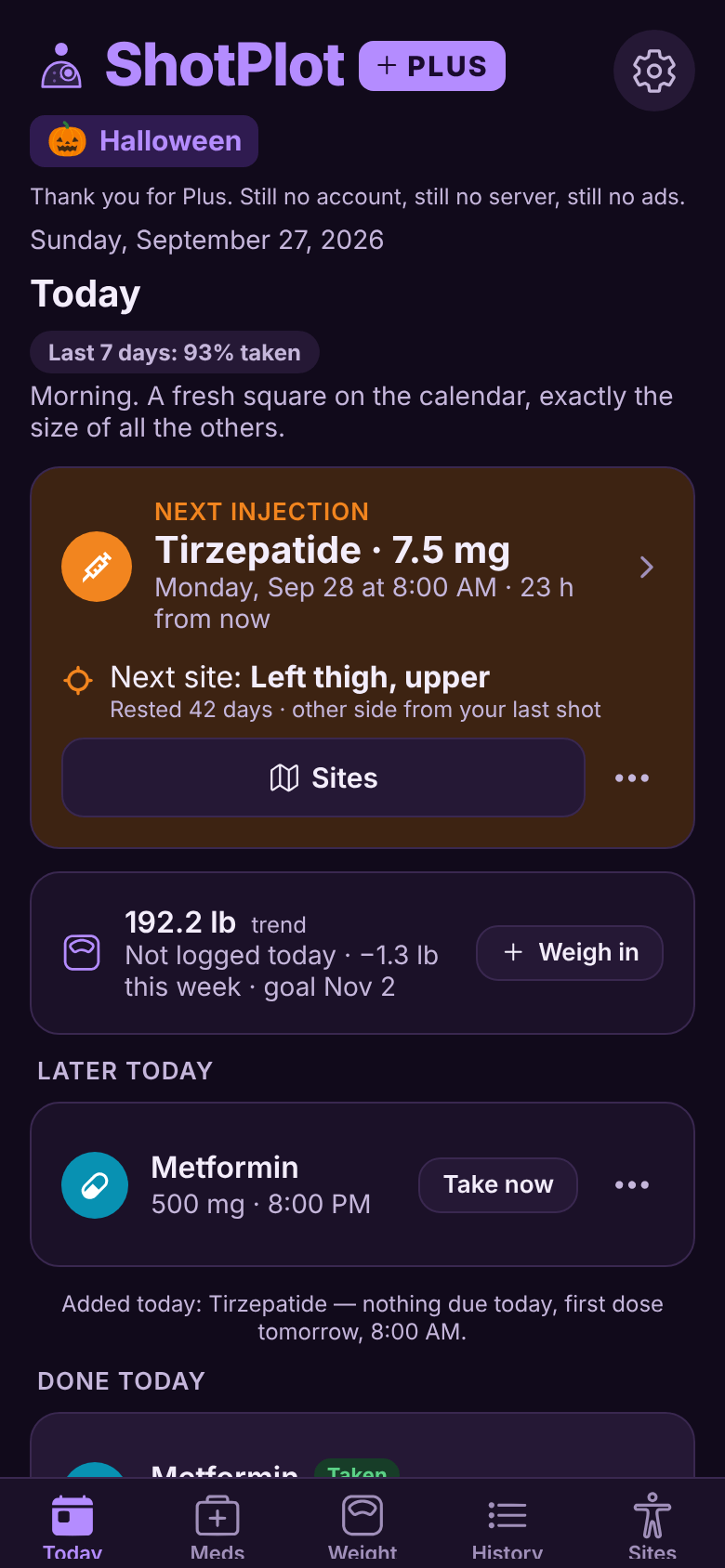
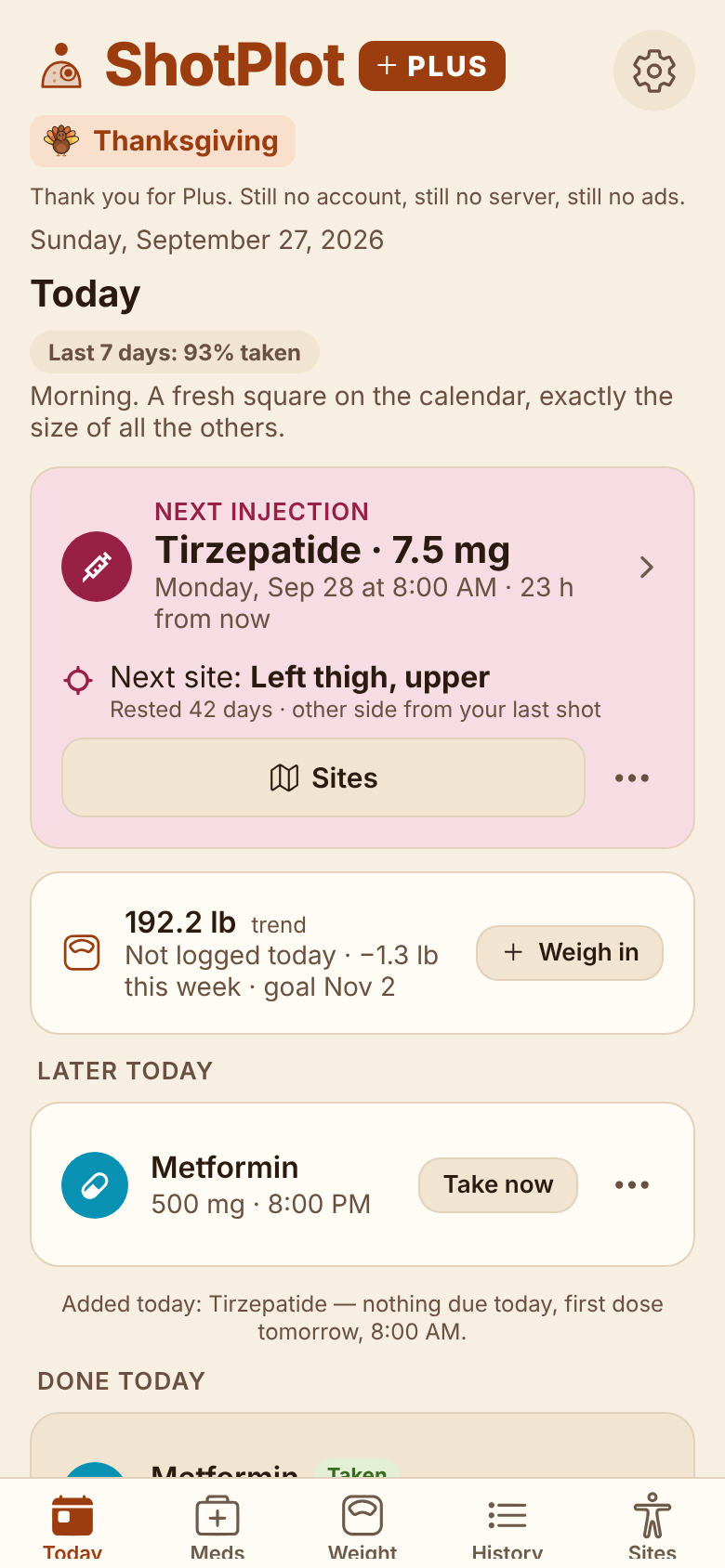
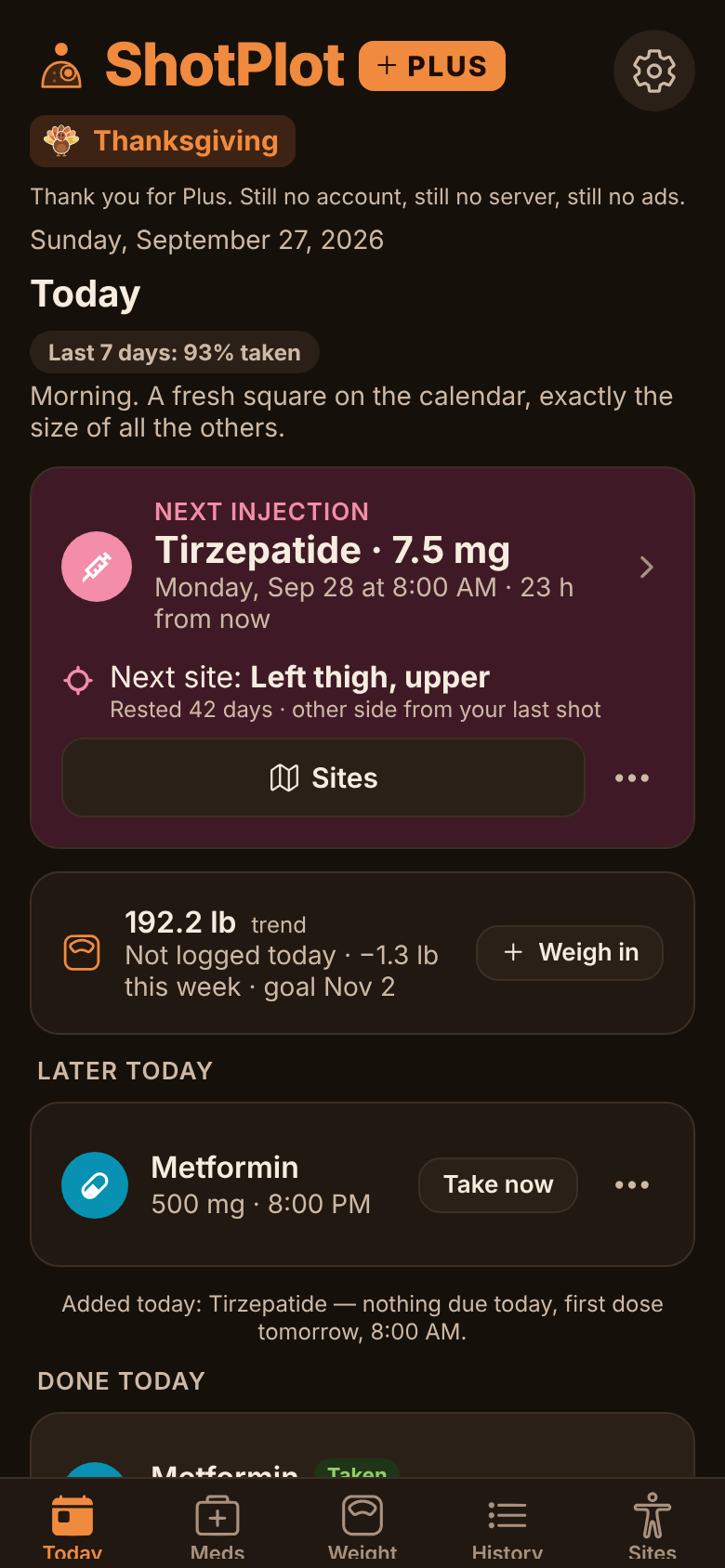
Busy week. Your next shot already knows where it’s going.
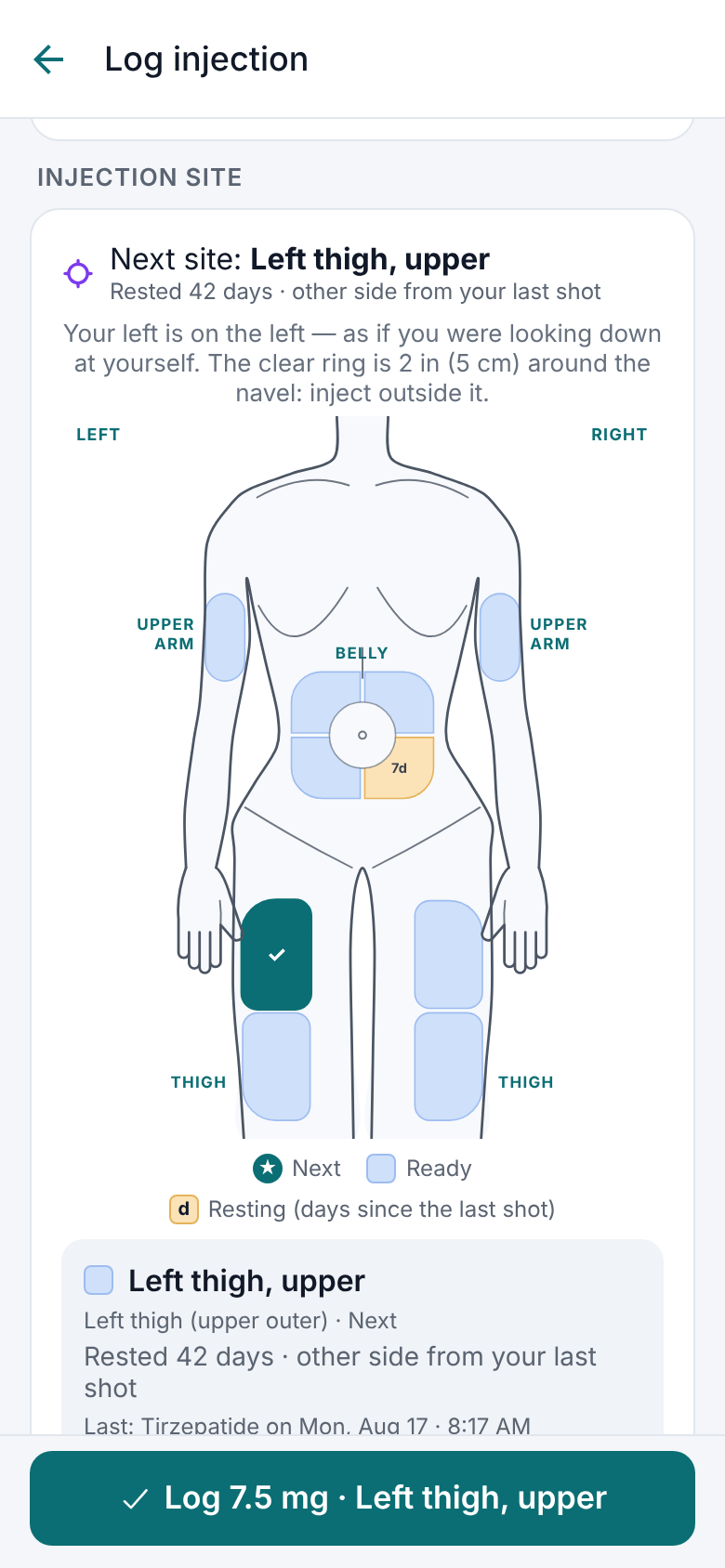
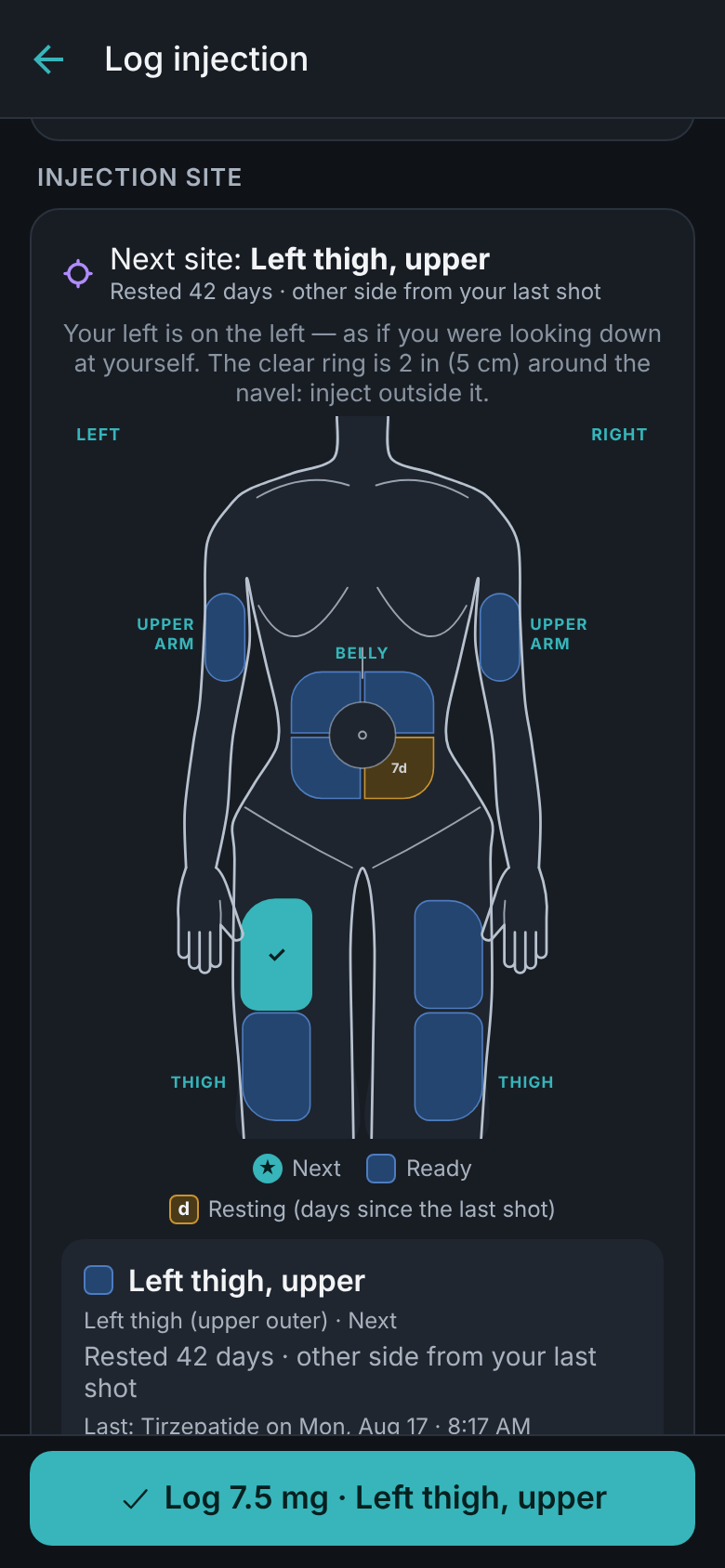
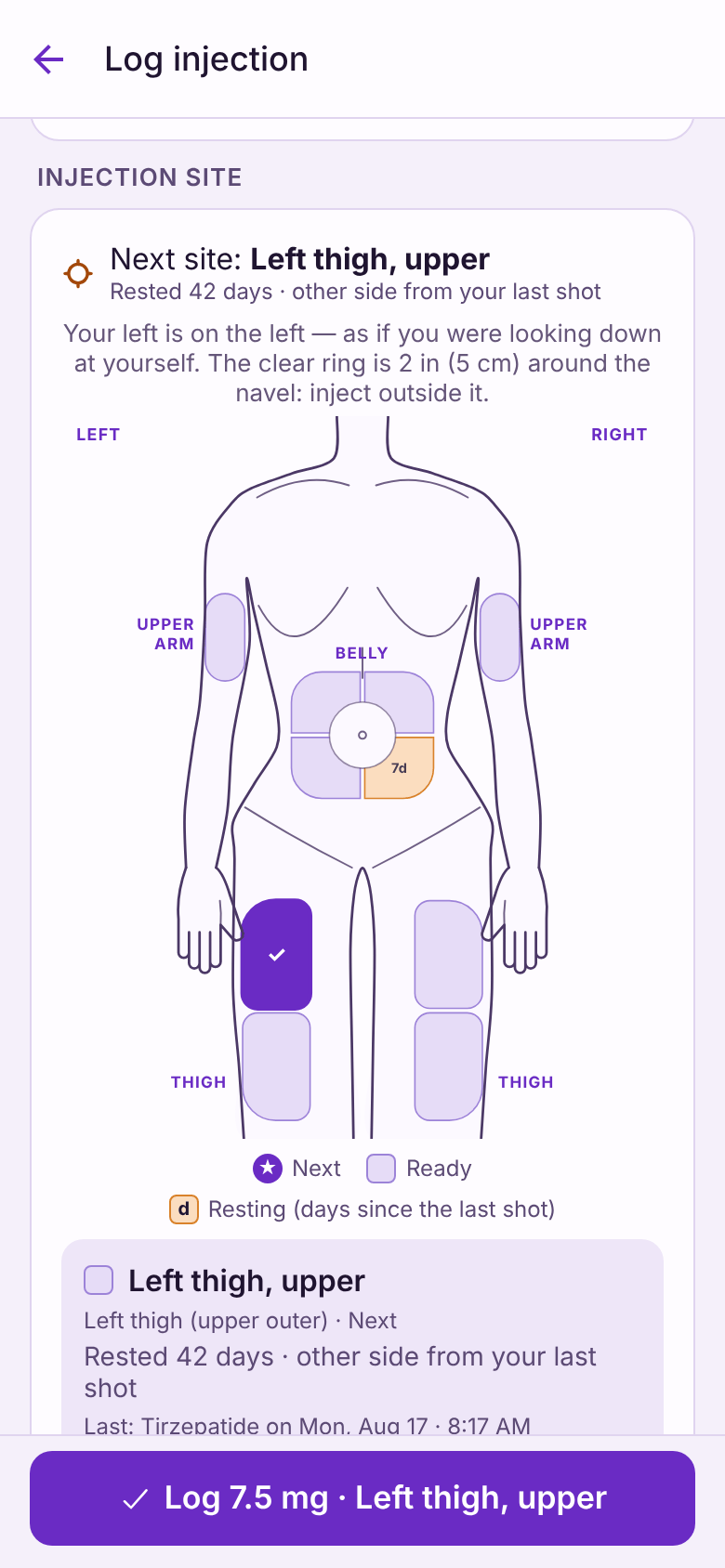
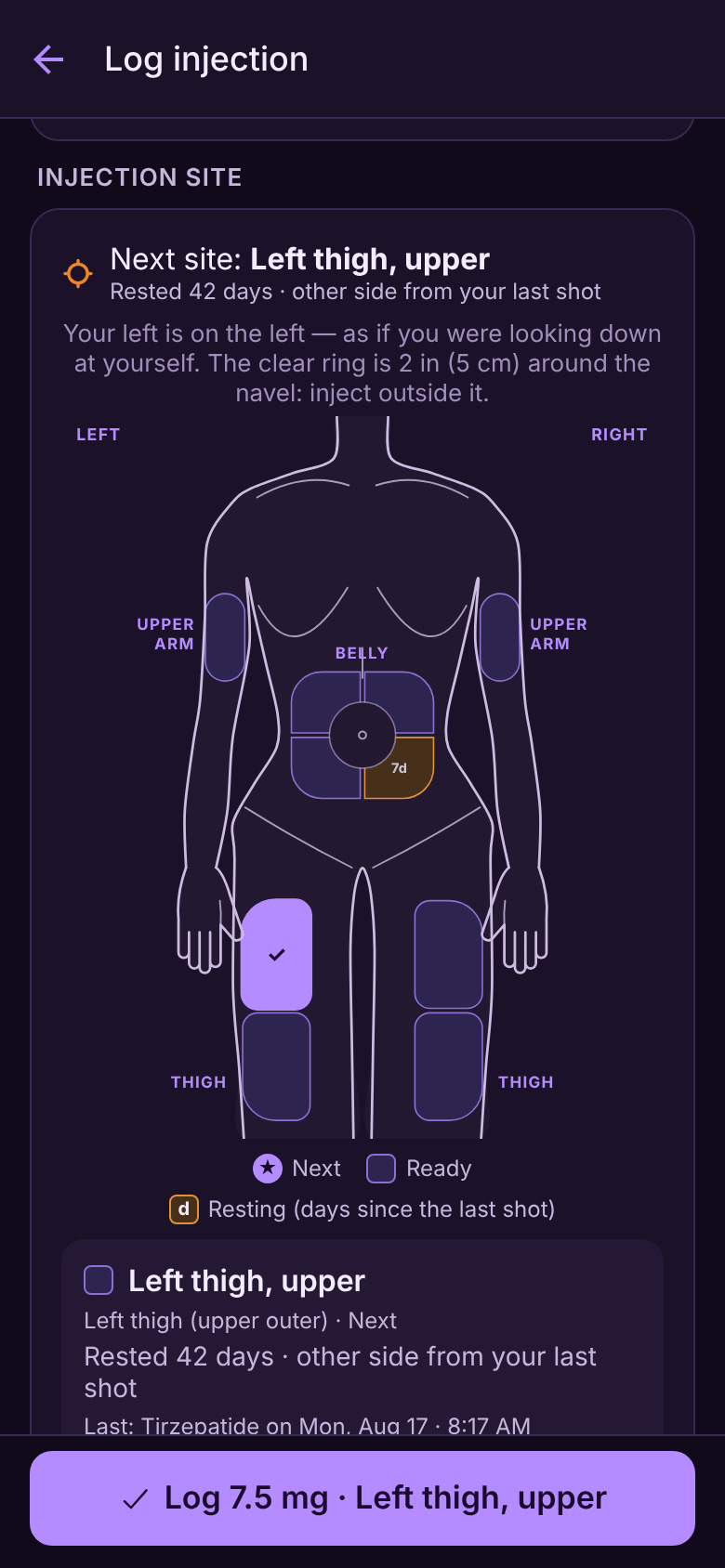
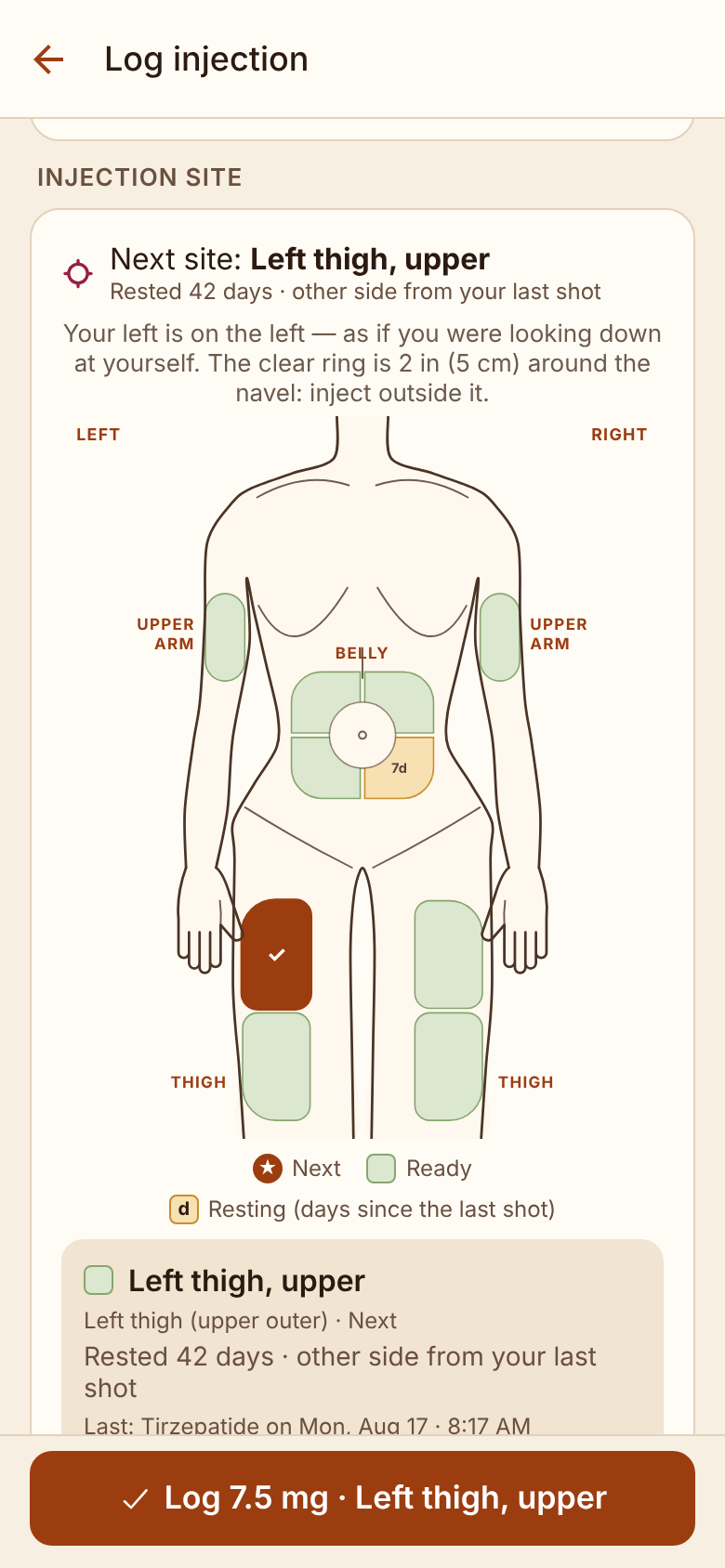
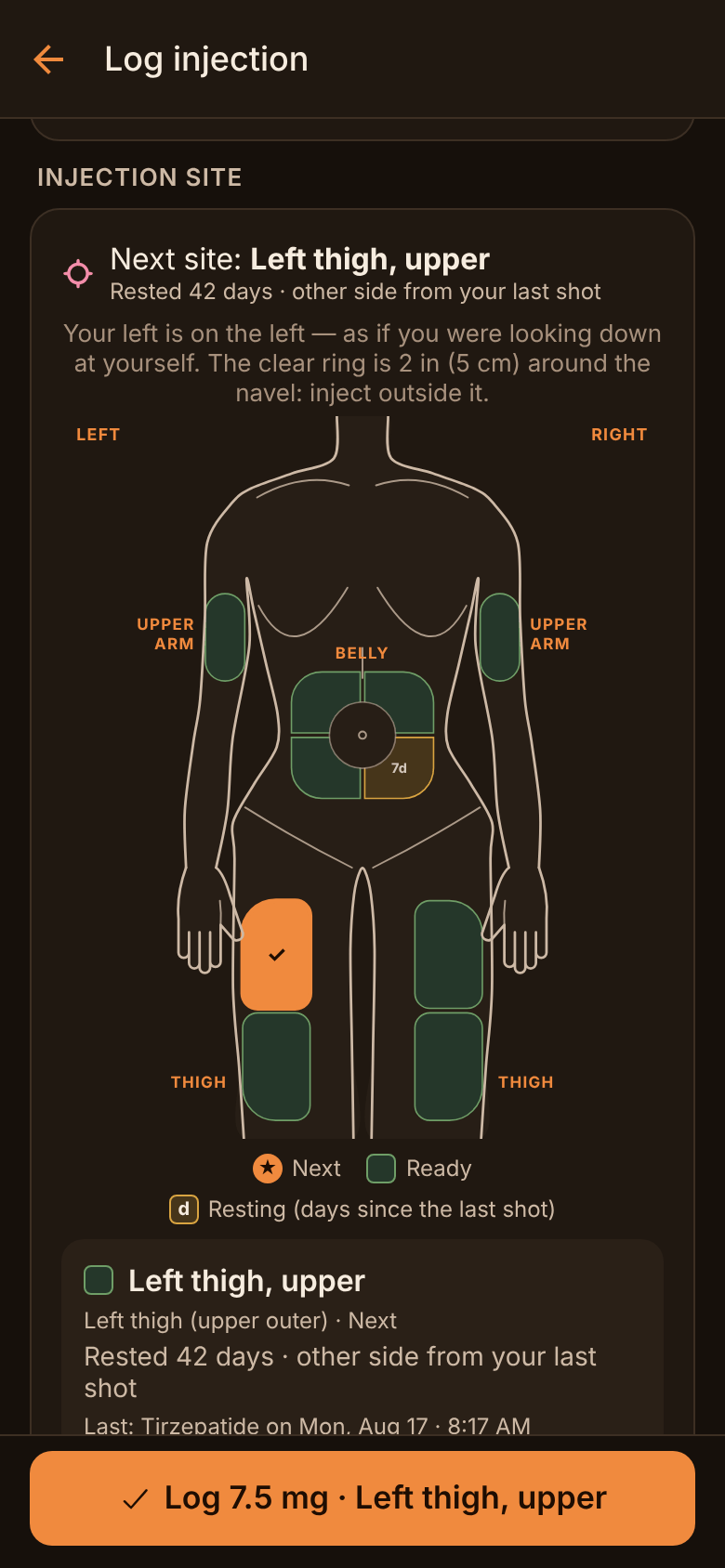
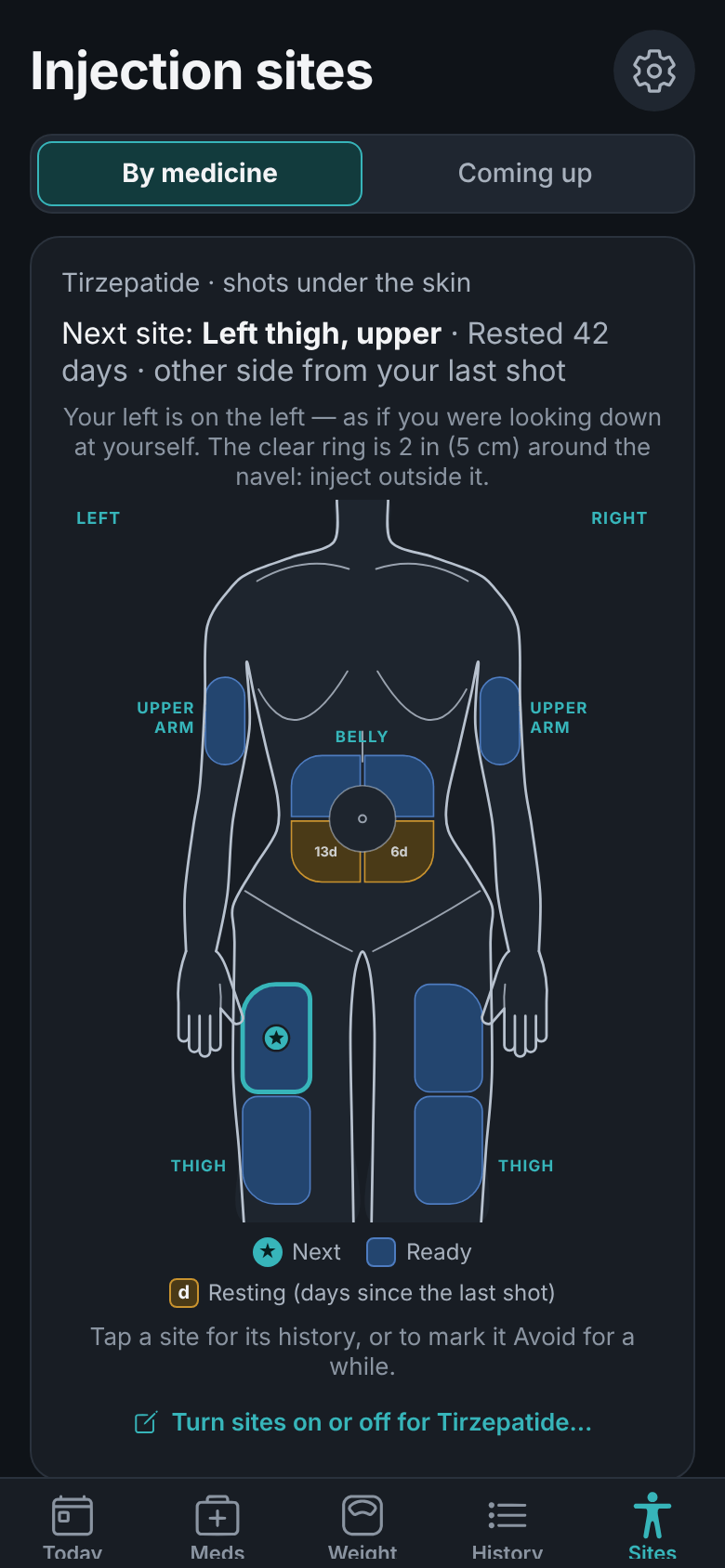
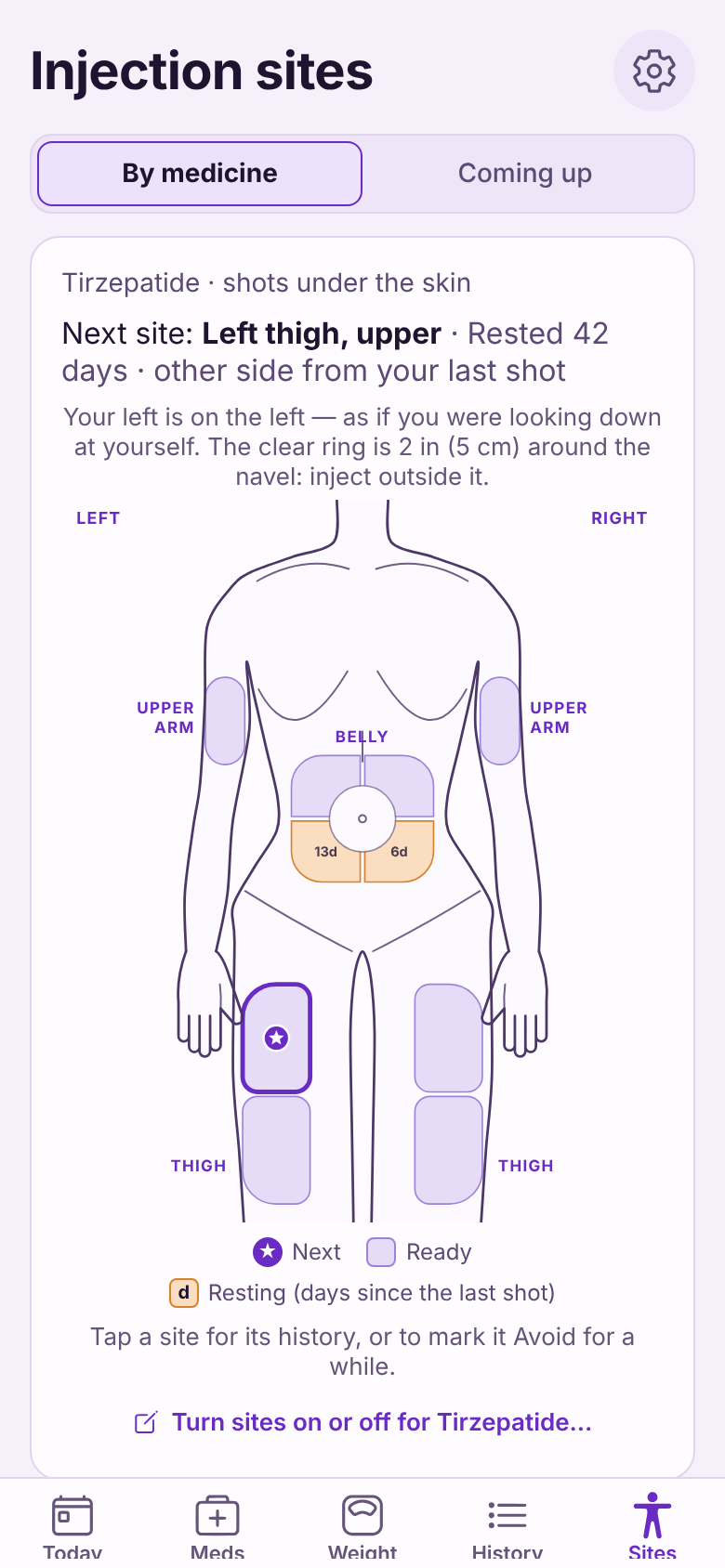
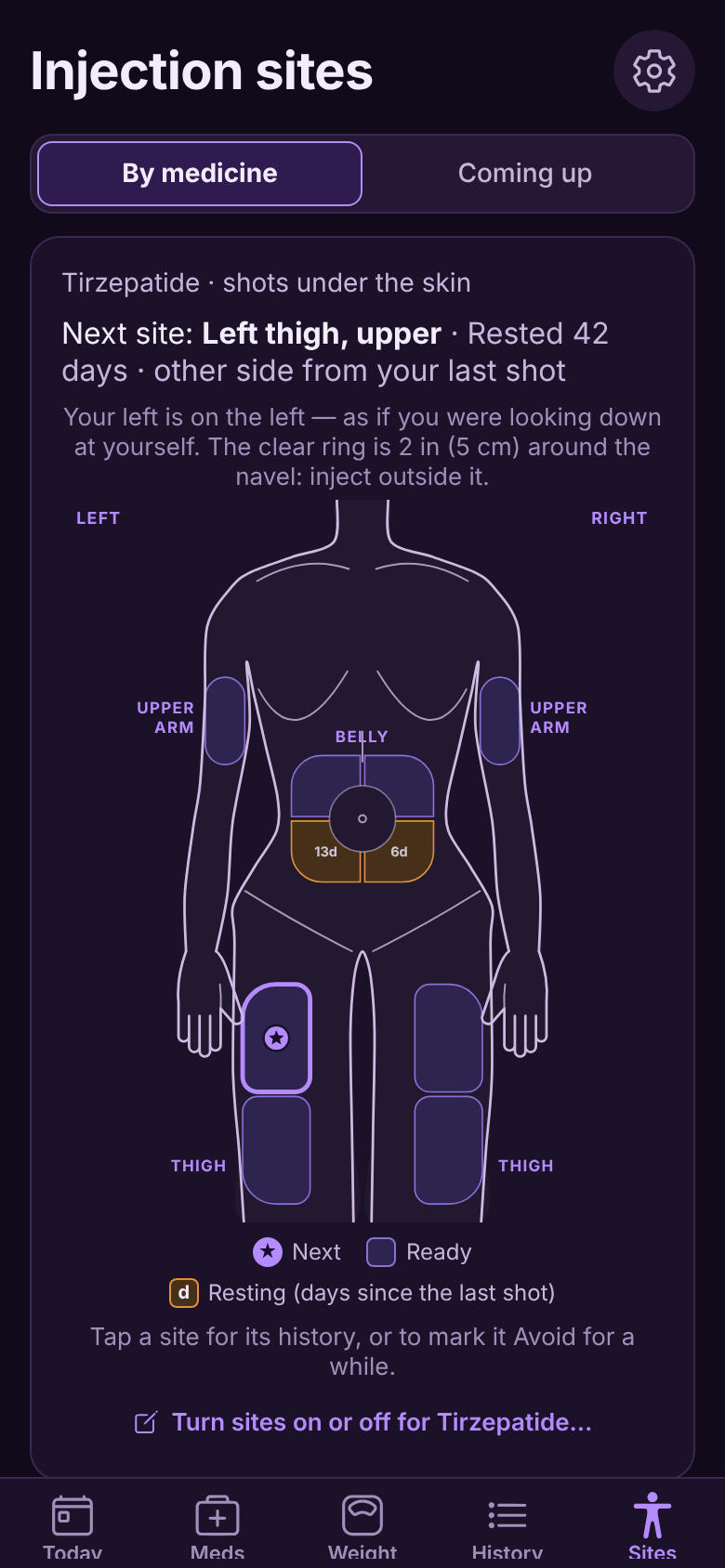
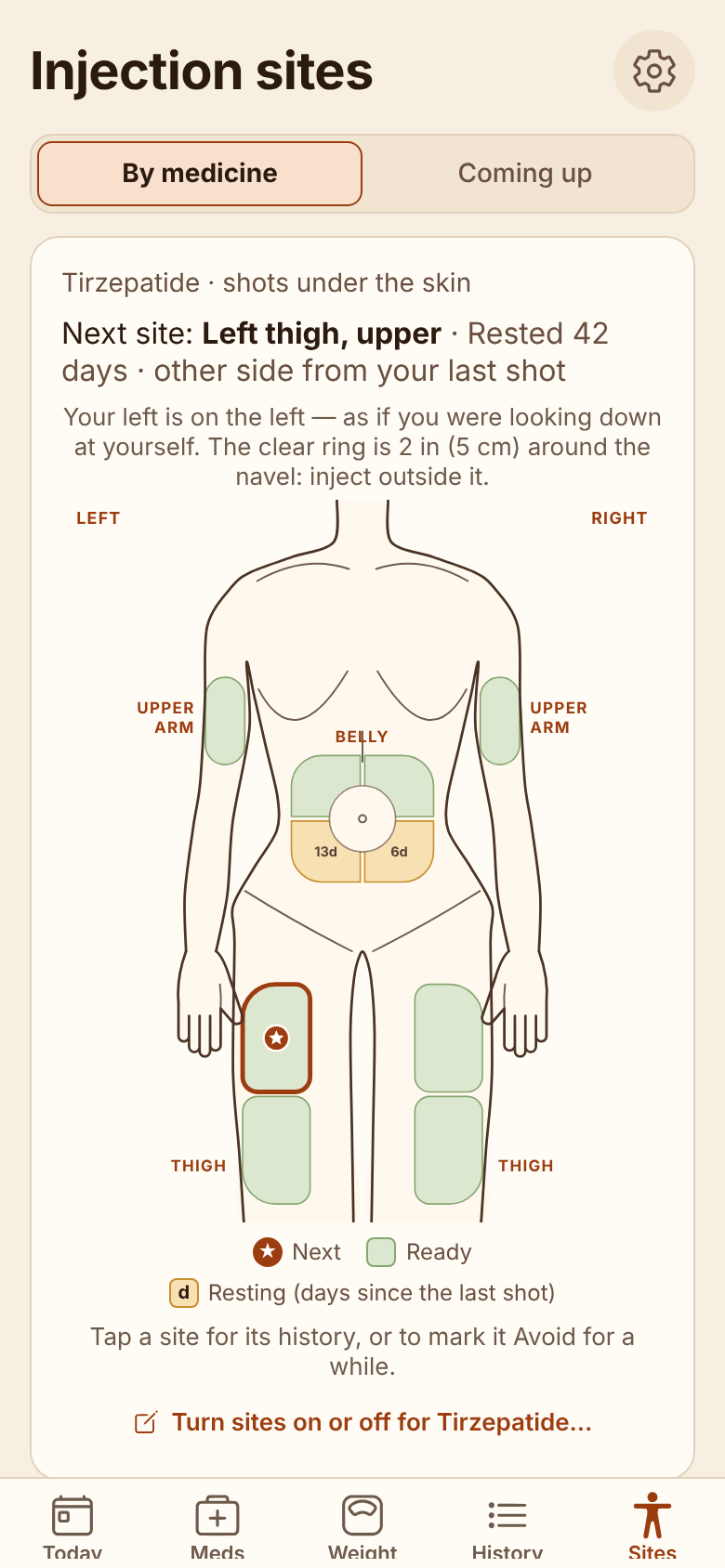
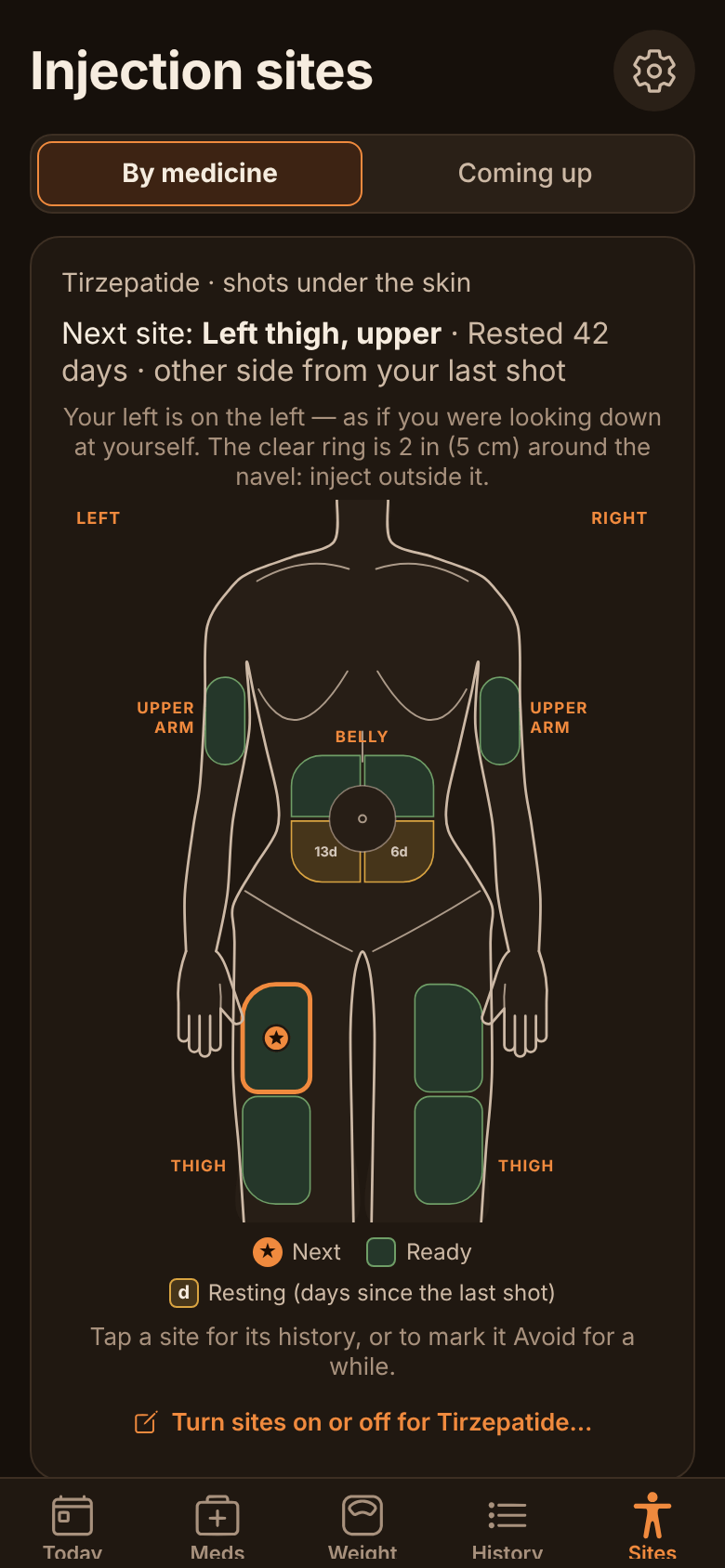
Next: Left thigh, upperRested 42 days · other side from your last shot★NextReadyResting
For GLP-1 shots, insulin, TRT, peptides and the pills alongside: ShotPlot shows where you last injected, suggests a spot for next time, reminds you when a dose is due, and keeps a record for your next appointment.
No accountNo ShotPlot serverNo AI datacenterFree core · Plus is pay-once
In testing now. Coming to Google Play and the App Store.
Opens your email app with the message written. One email when ShotPlot is out, and nothing else.
Coming soon toGoogle Play
Coming soon tothe App Store
Next: Left thigh, upperRested 42 days · other side from your last shot★NextReadyResting
How it works
Three steps. Then it remembers for you.
1
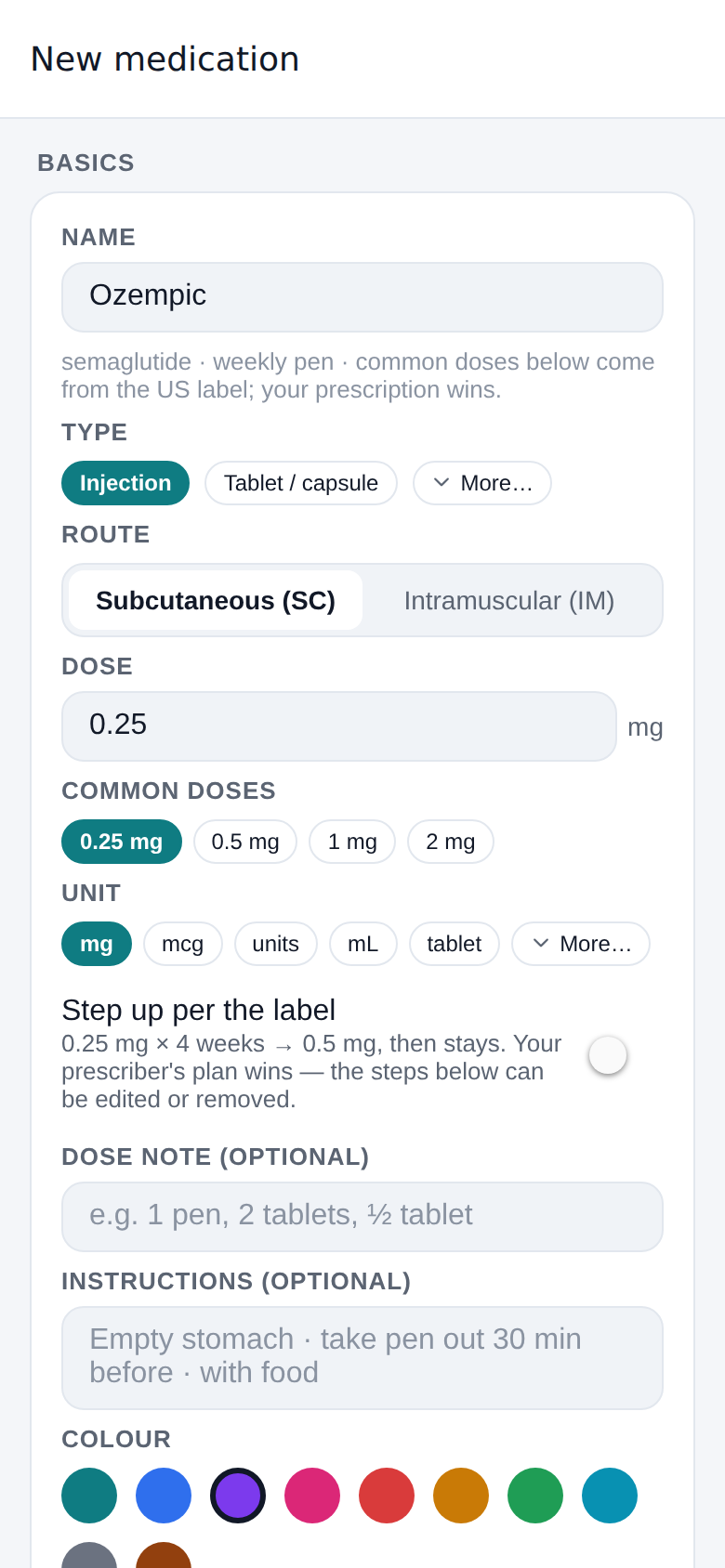
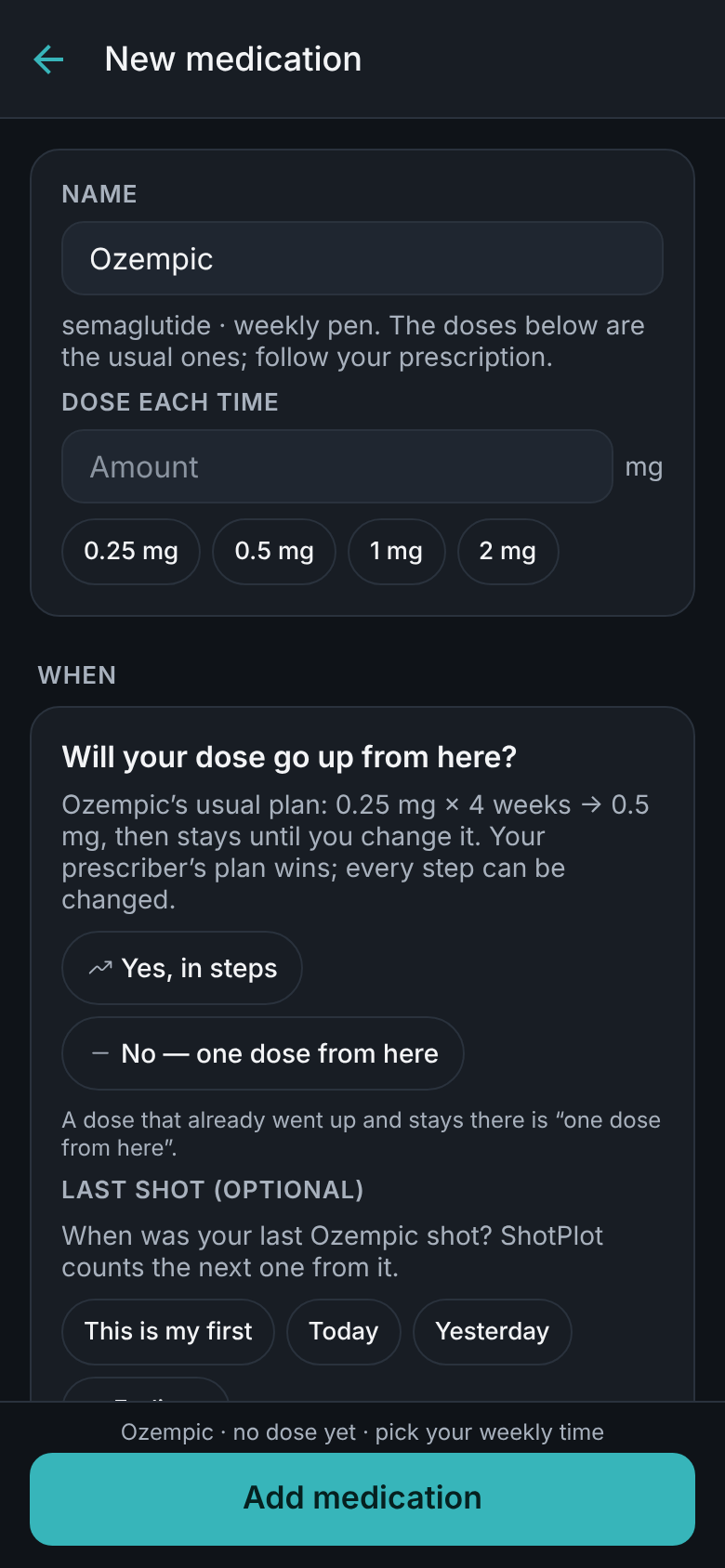
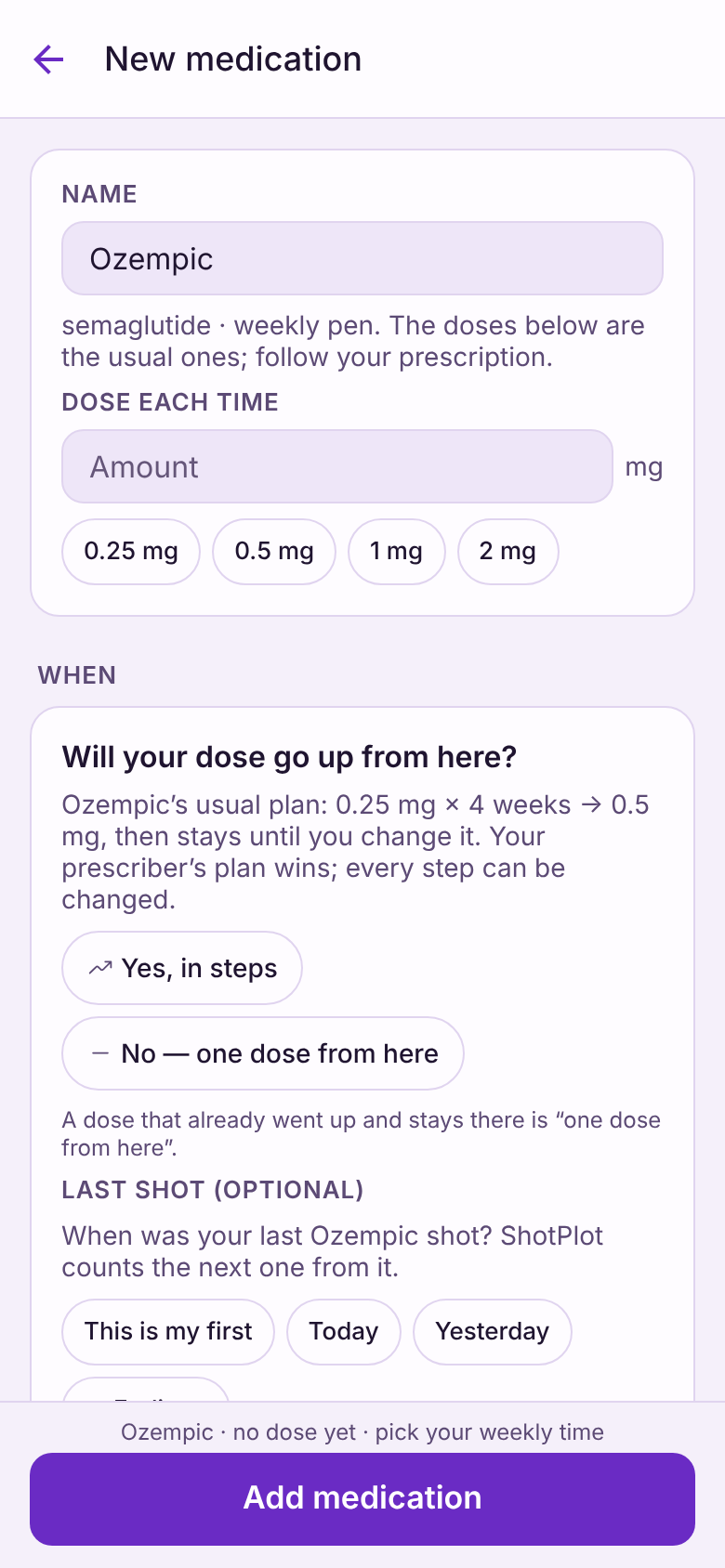
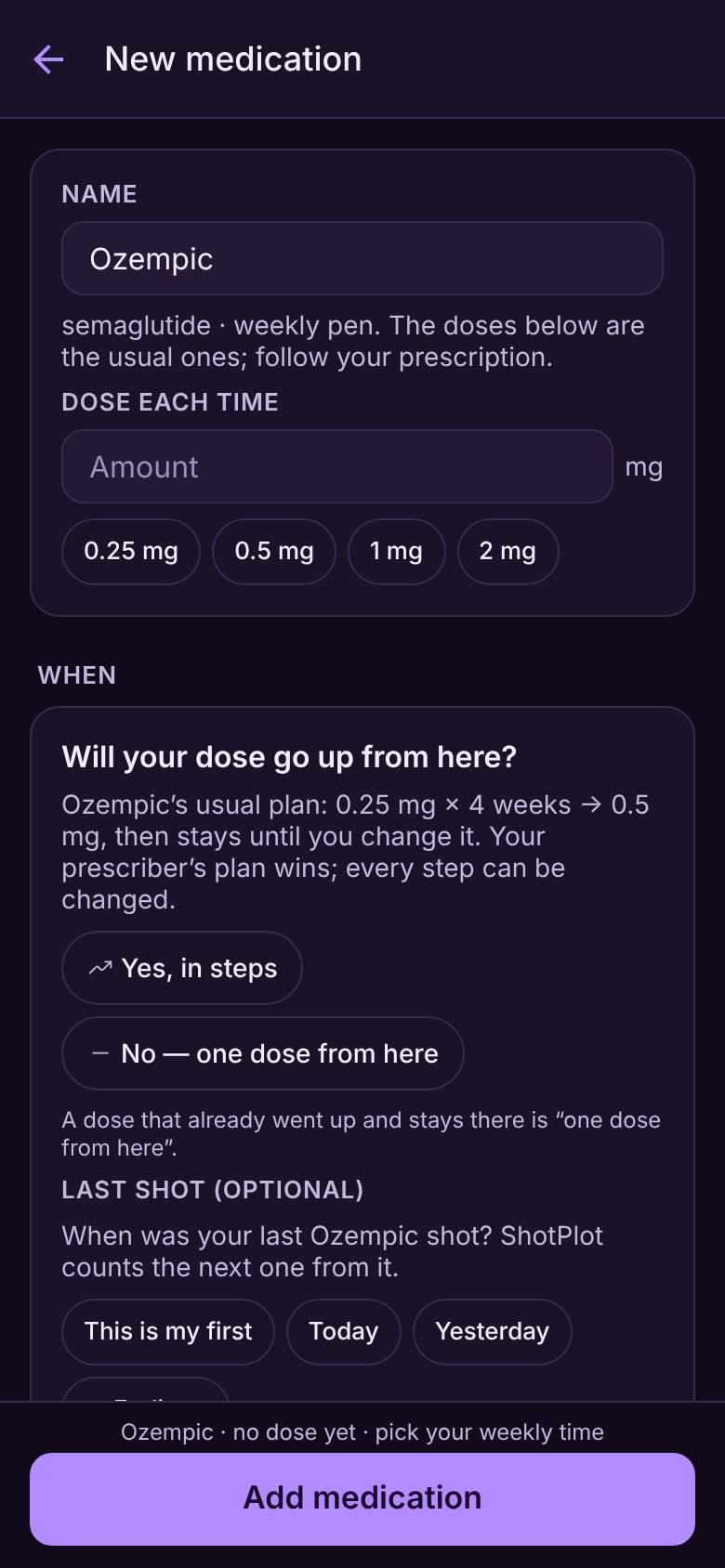
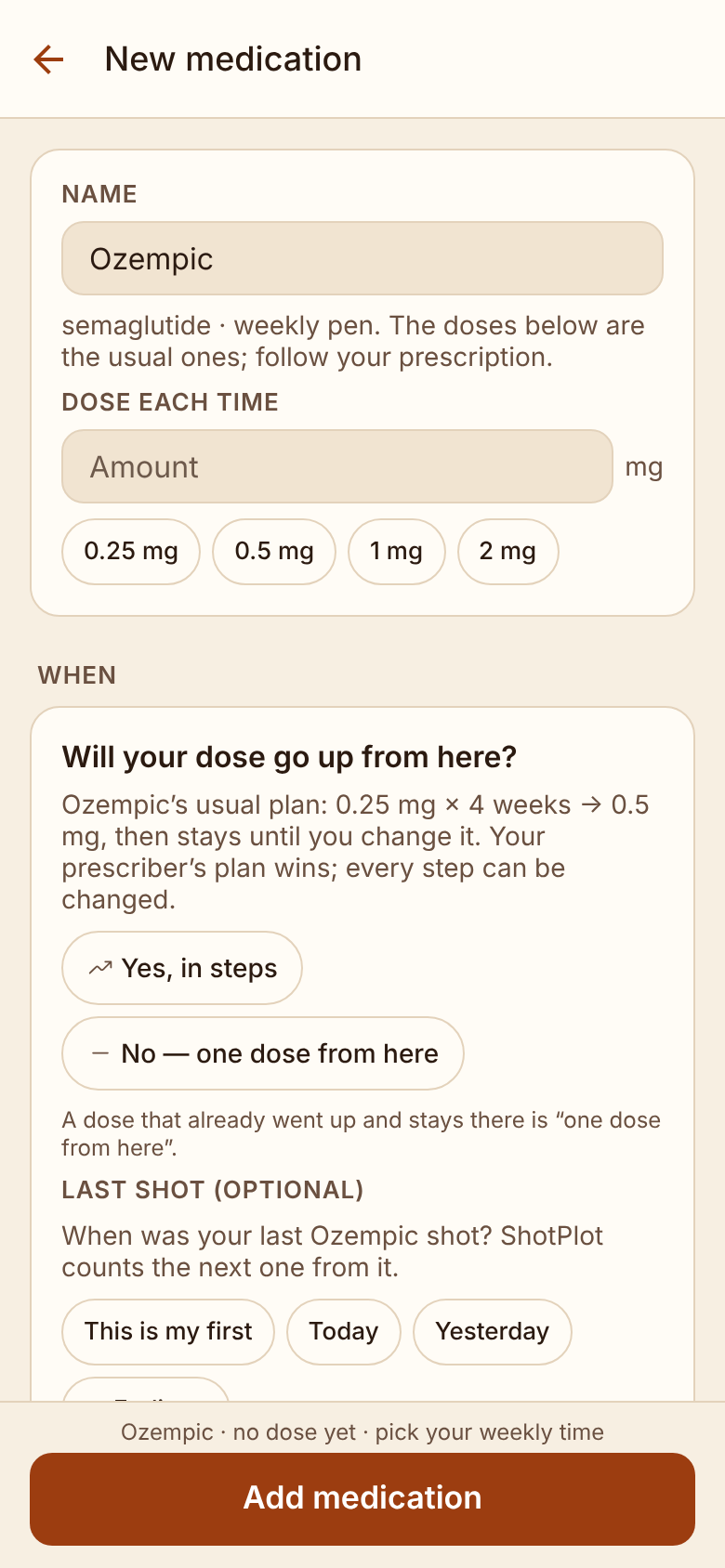
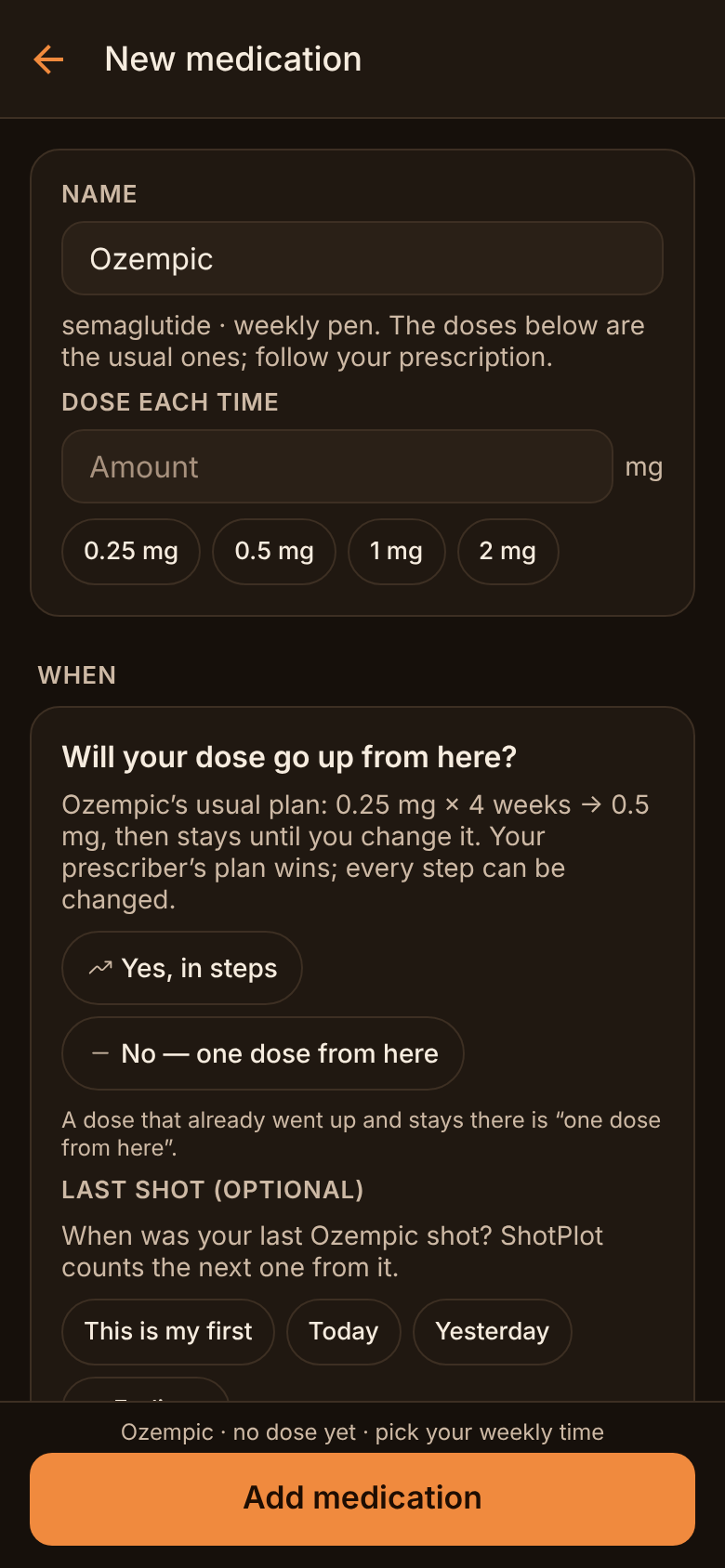
Add a medicine
Pick it from the list or type it in. For a GLP-1, the label’s usual doses are ready to tap; your prescriber’s plan wins.
2
Log a shot
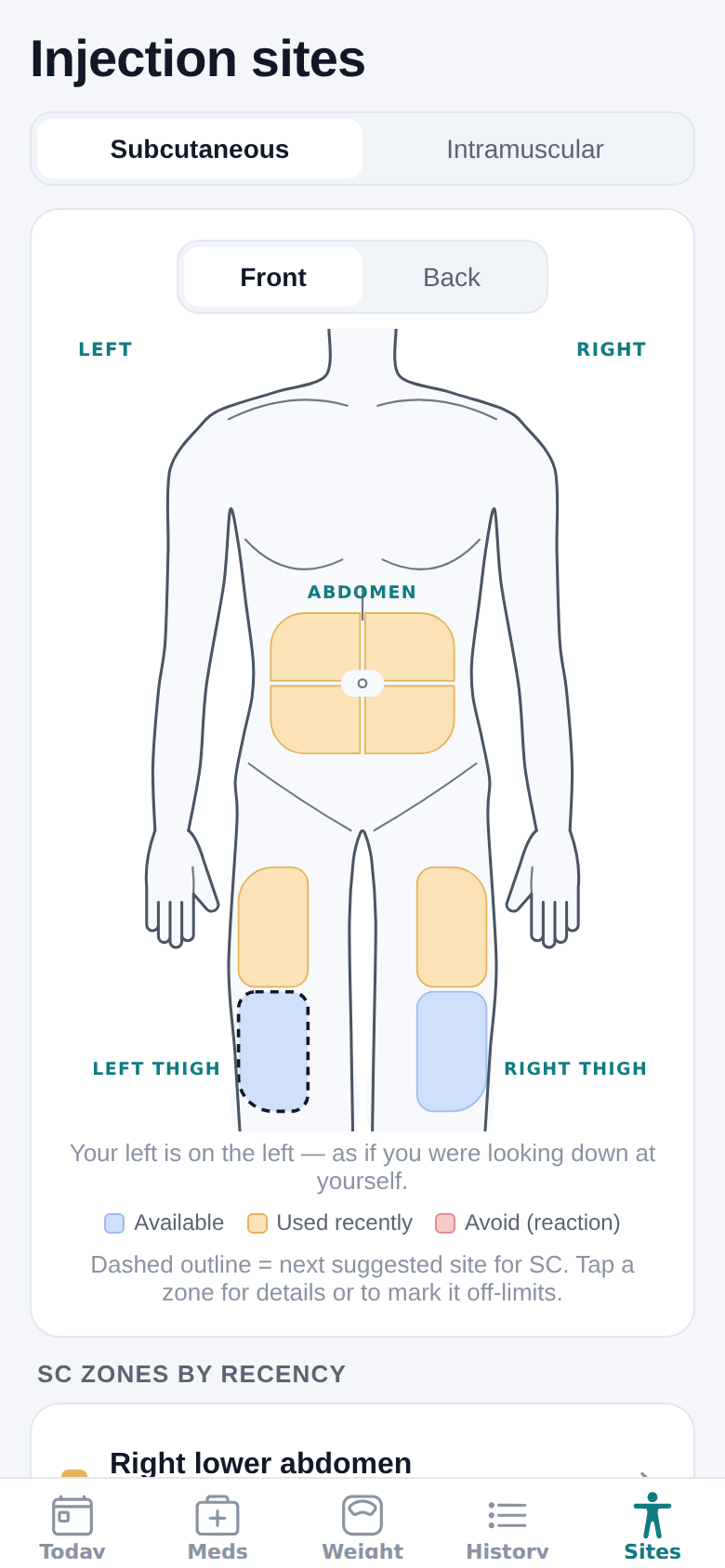
Tap where you injected on the body map. The map keeps the date, and how long each spot has rested.
3
See the next site
Your next shot gets the spot that has rested longest, named the same on the Today screen, in the reminder and on the log screen.
Shows the app screens below in this look.
What it does
Where it went, where it goes next, and when.
Five screens do most of the work. The rest is further down the page.
Screens in
Body map
The map remembers every spot. You don’t have to.
Tap where you injected — belly, thighs, upper arms — on a body shape that looks like you. Every spot shows how long it has rested, so the one from Tuesday doesn’t come round again on Friday.
✓Next, Ready, Resting and Avoid, in the same words on every screen
✓Mark a spot that bruised or reacted, and it is skipped for a while
✓Every injection counts, whichever medicine it was
The next spot
Two shots on Friday? They won’t fight over a thigh.
ShotPlot suggests the spot that has rested longest — not right next to the last one, and never one you’ve marked to avoid. The Coming up view lays out your next shots, every medicine together, each with its spot on one map.
✓The Today screen, the reminder and the log screen name the same spot
✓Two shots due the same evening never get the same spot
✓A suggestion from your own log and settings: tap the one you used, and follow your prescriber’s instructions first
Reminders
It reminds you. Then, politely, as often as you like.
A reminder when a dose is due, and follow-ups if it isn’t logged — as many as you like, or none. Quiet hours, a heads-up to take the pen out of the fridge, and every kind of schedule.
✓Daily, certain days, every few days, monthly, as needed, and dose plans that step up as prescribed
✓Pause one for a trip, or move a single dose
✓Discreet reminders never show a medicine, dose or site
ShotPlot · 8:00 AM
Ozempic 0.25 mg
Next site: Left belly, upper
ShotPlot · 8:20 AM
Still due: Ozempic 0.25 mg
Second reminder. Next site: Left belly, upper
Weight
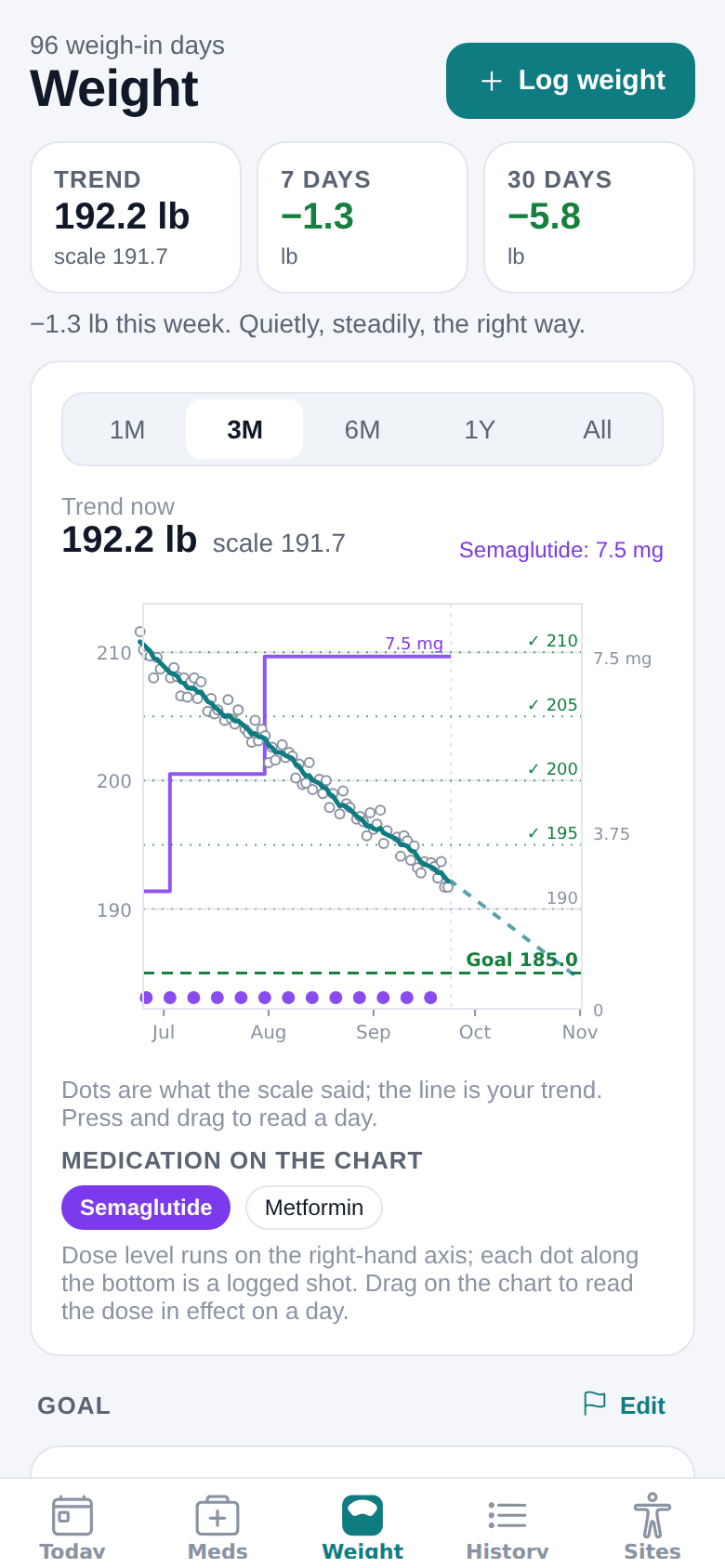
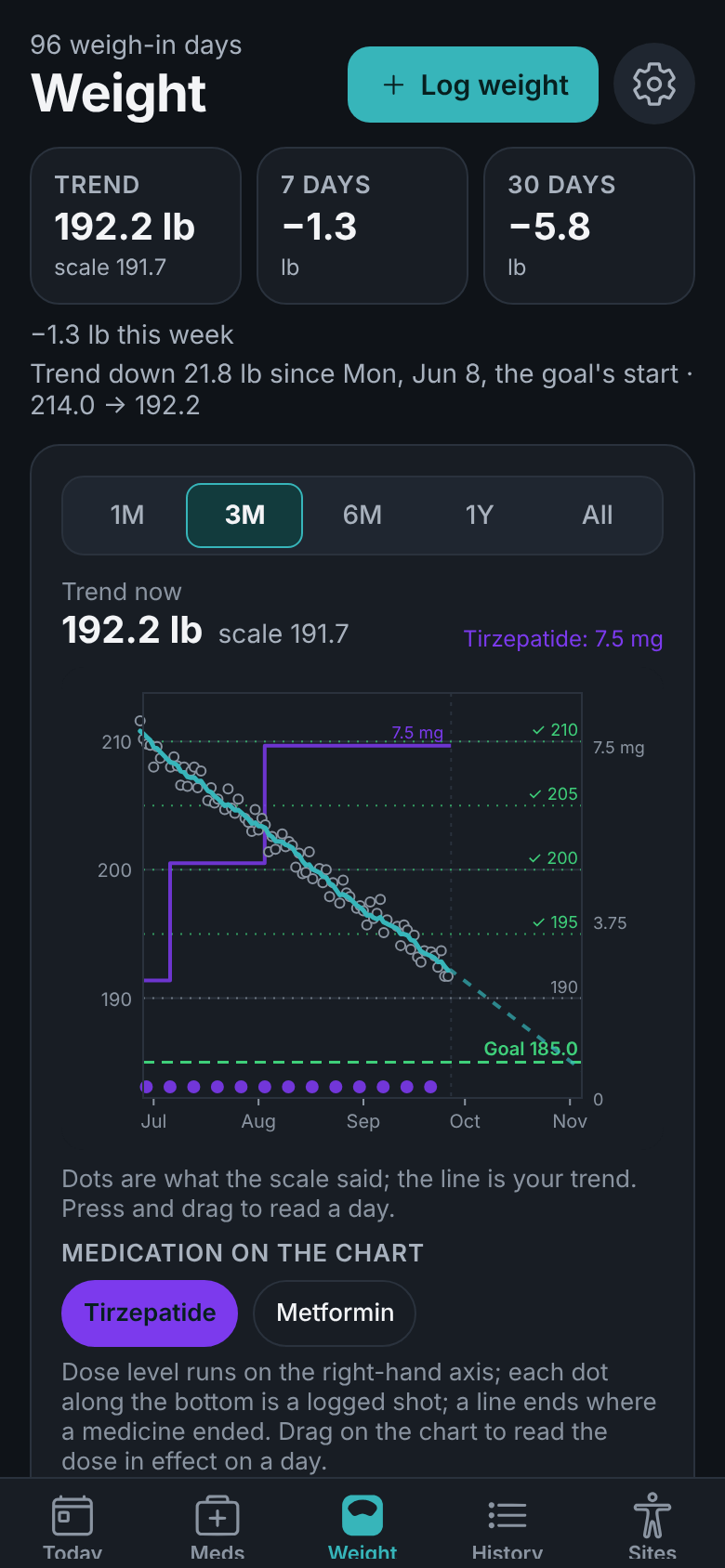
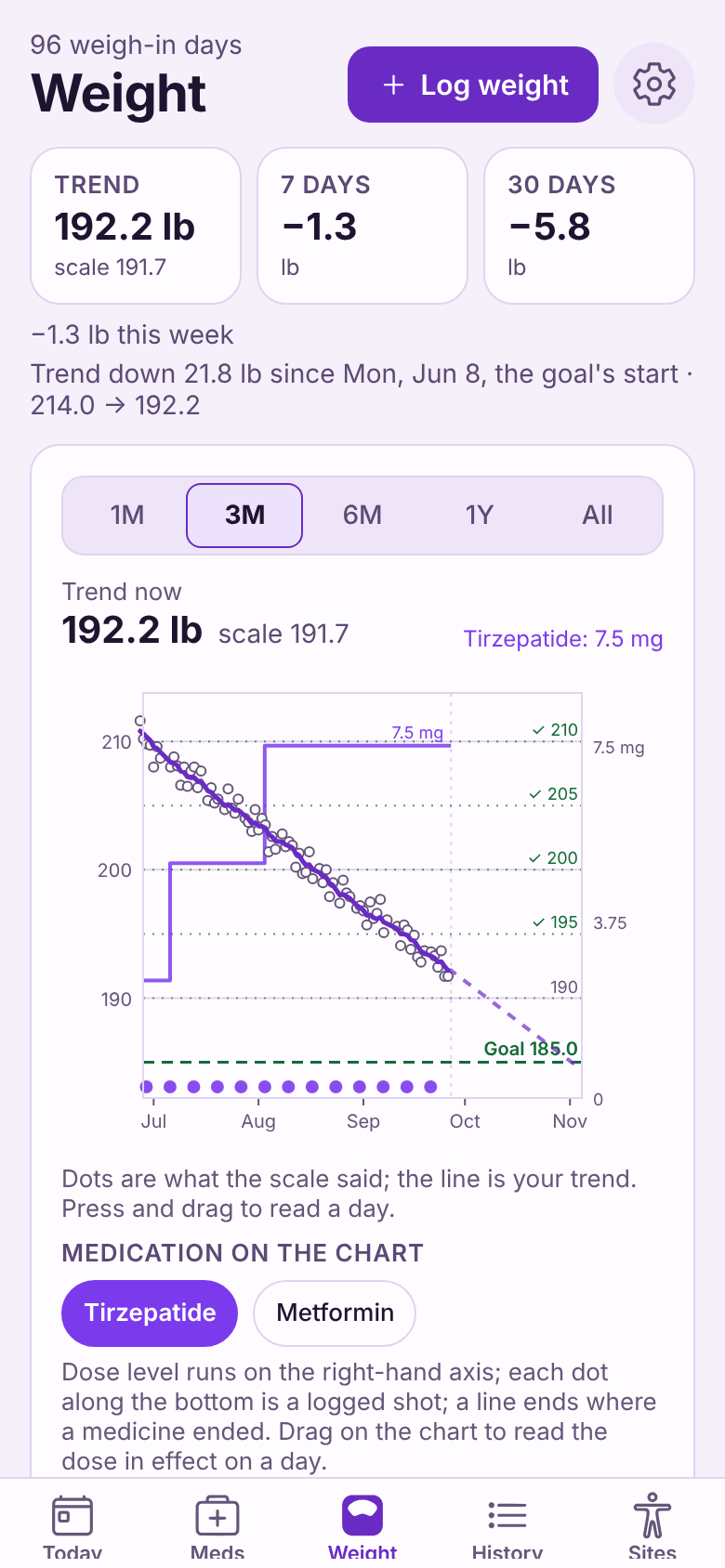
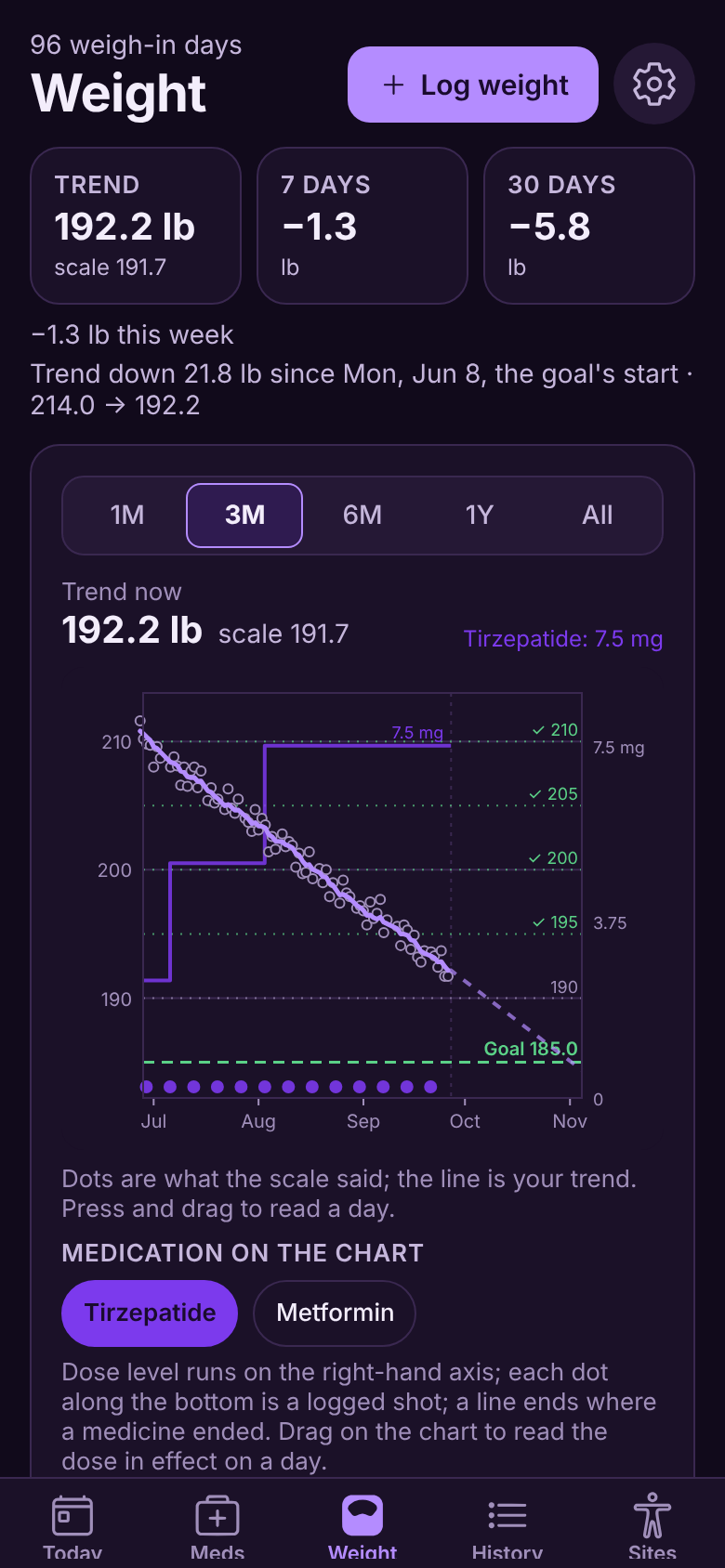
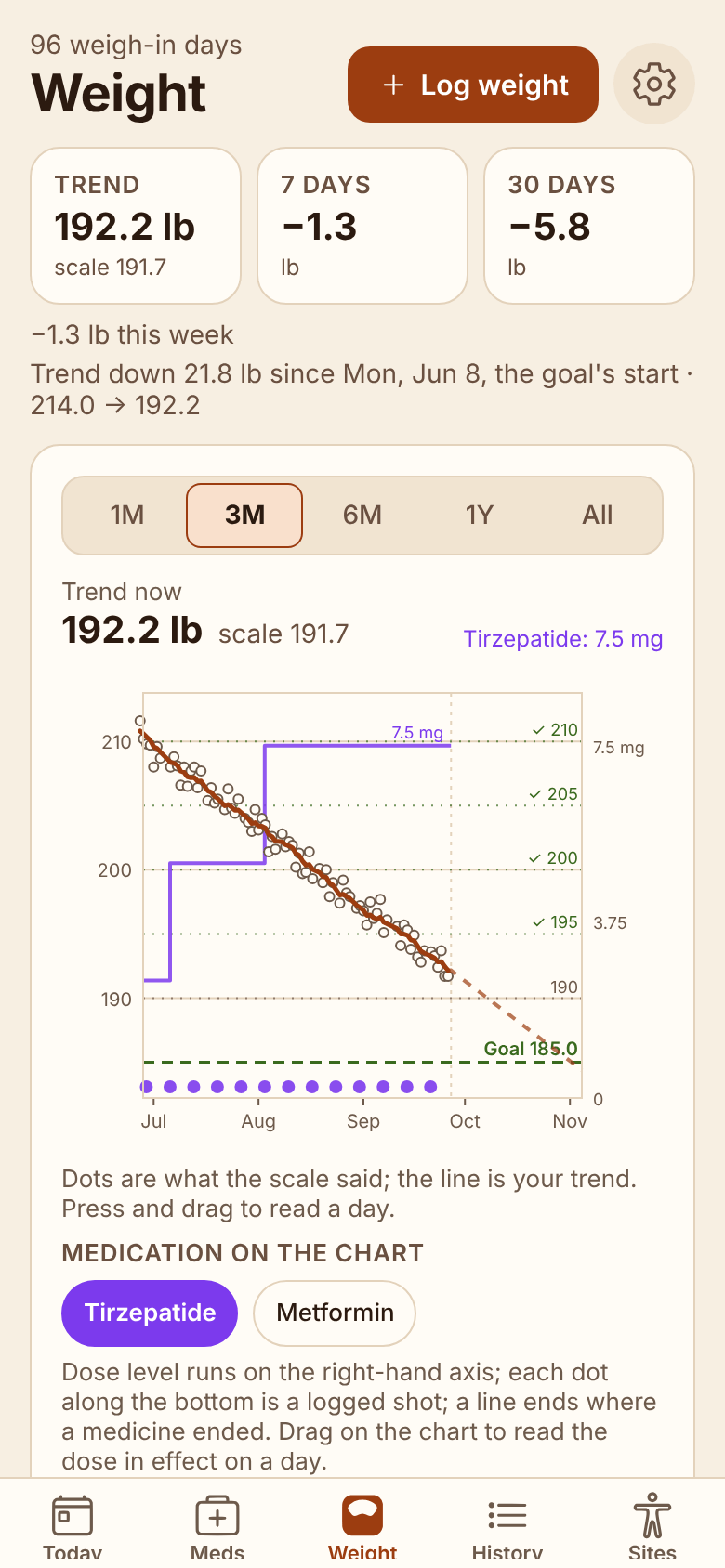
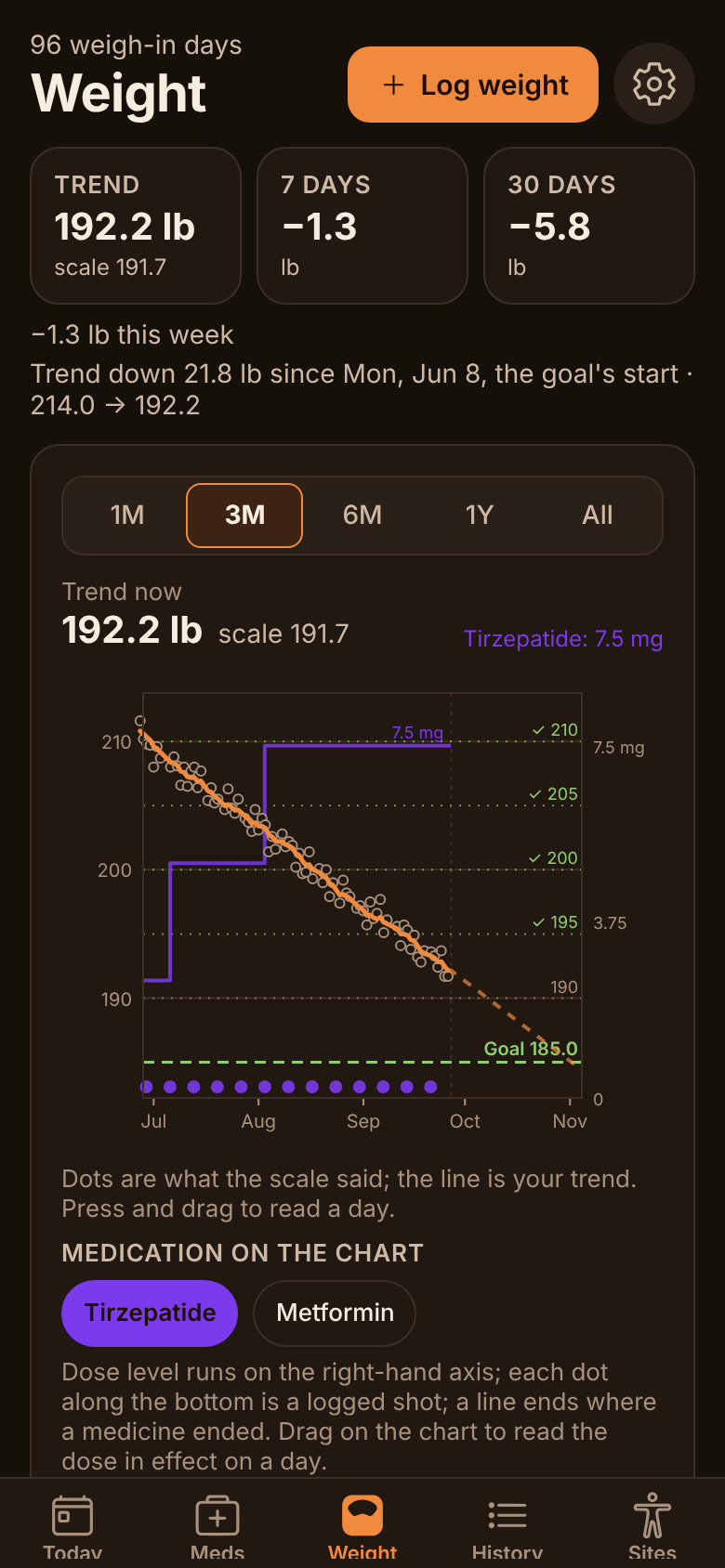
Weigh-ins are noisy. The trend is the news.
Weigh in when it suits you and watch the trend toward your own goal, not the daily bounce. The logbook marks a reading that is a new low — or a new high, if your goal is to gain — and your old scale app’s export comes in with one tap.
✓With Plus, your shots and each dose change sit on the same chart
✓A goal date that is a projection, not a promise
✓Apple Health and Health Connect, both ways, with Plus
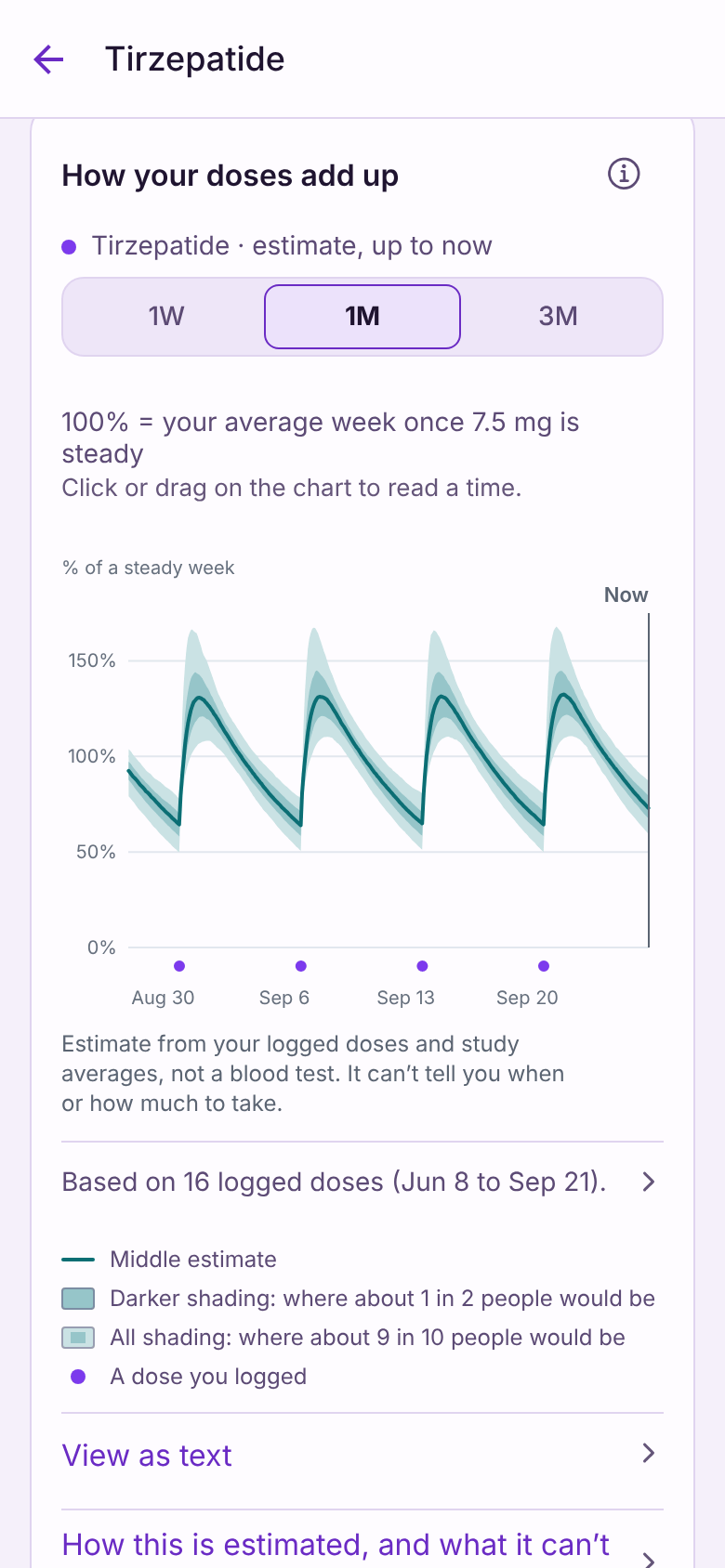
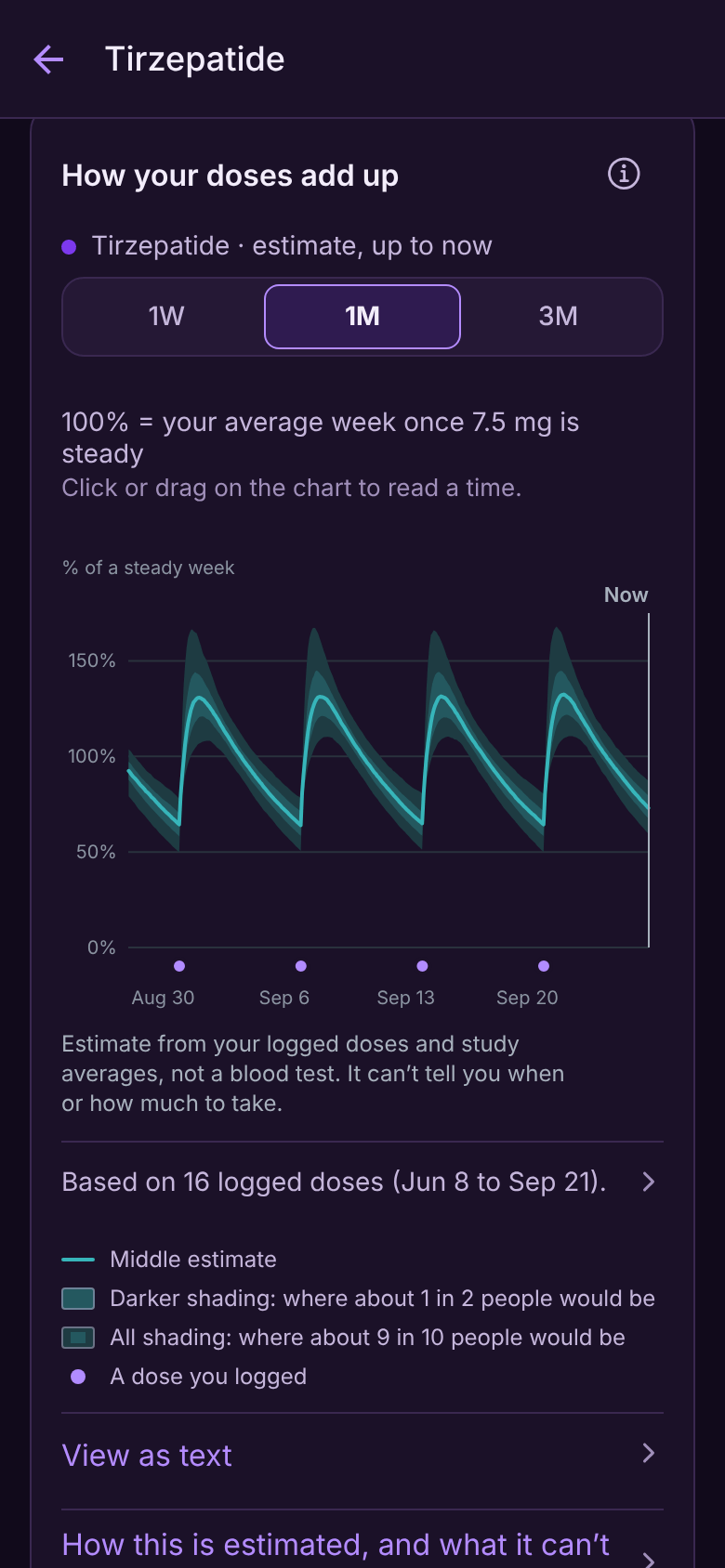
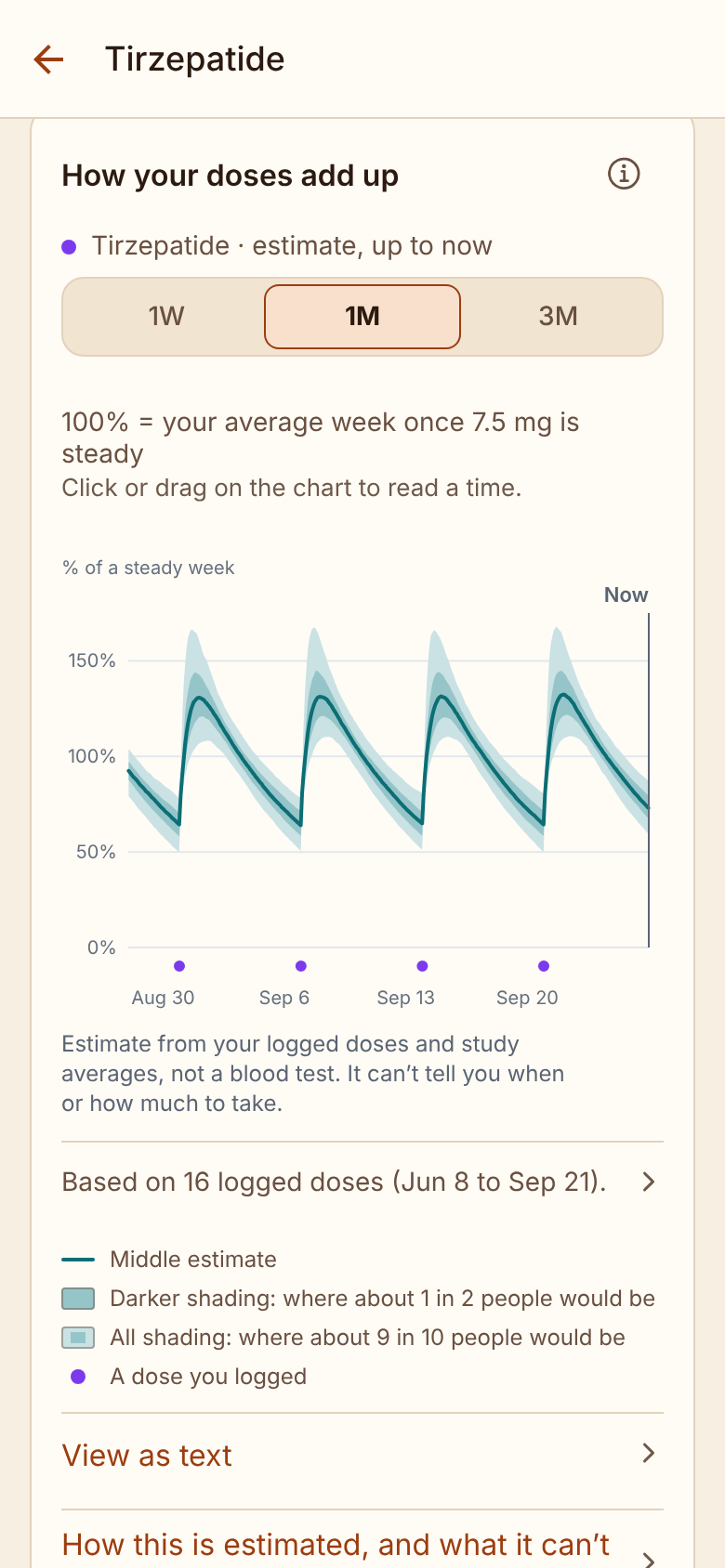
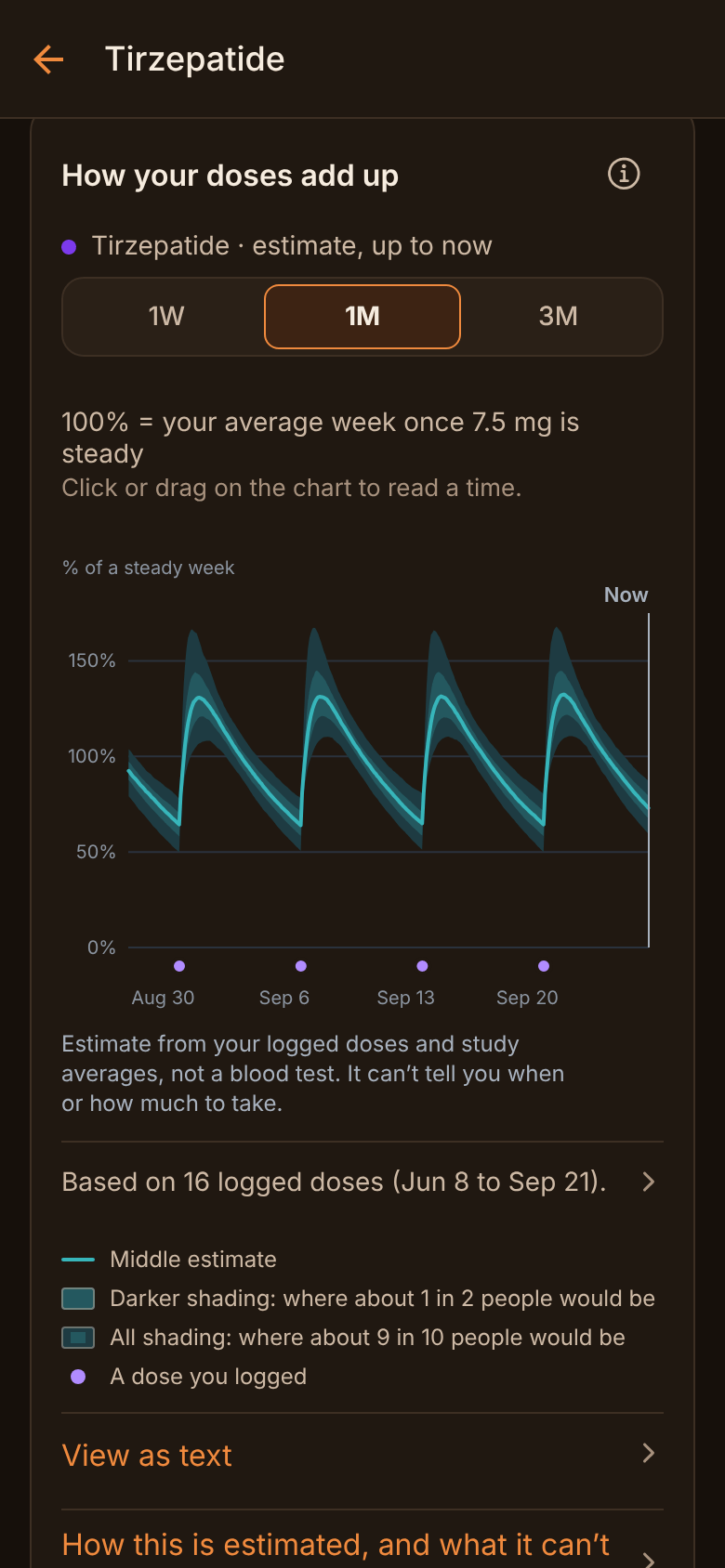
Dose tracking PLUS
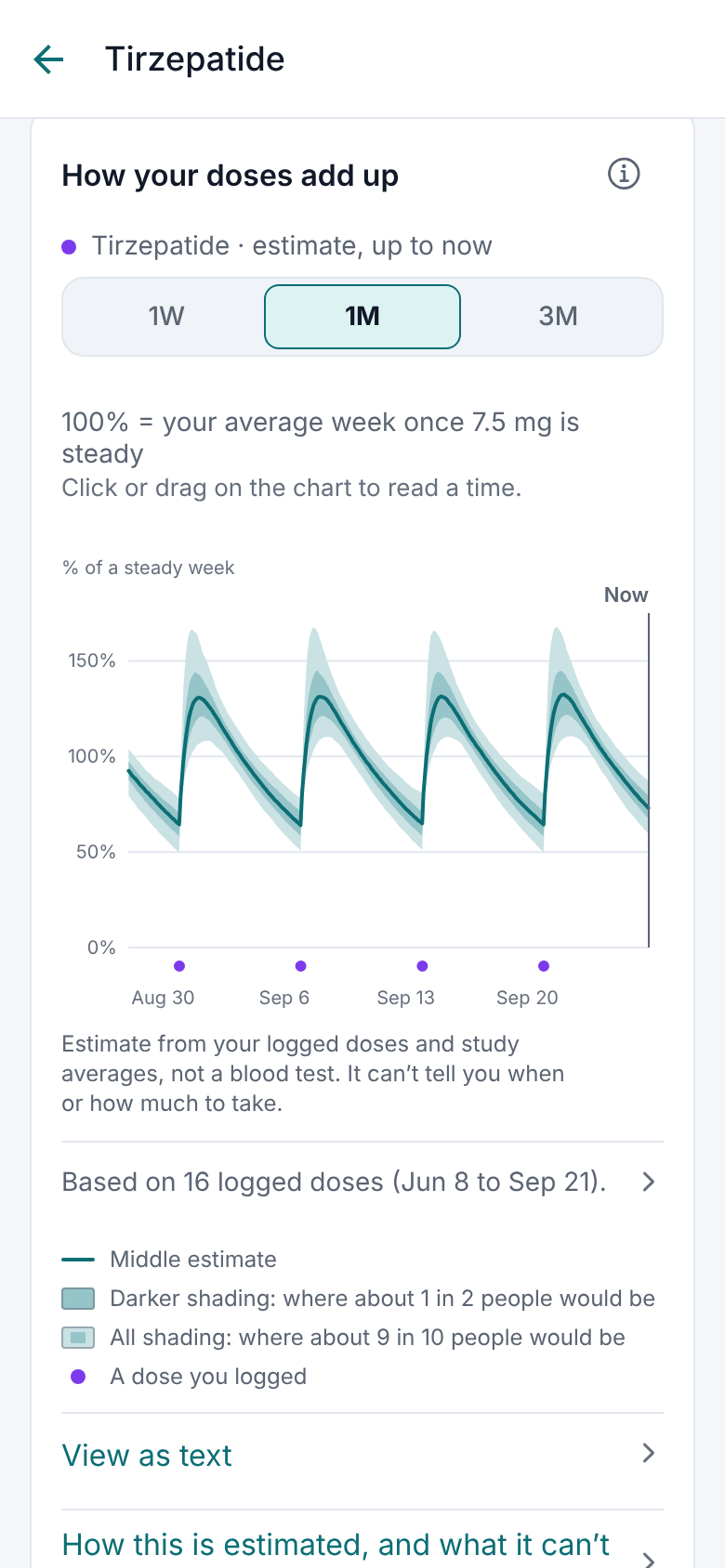
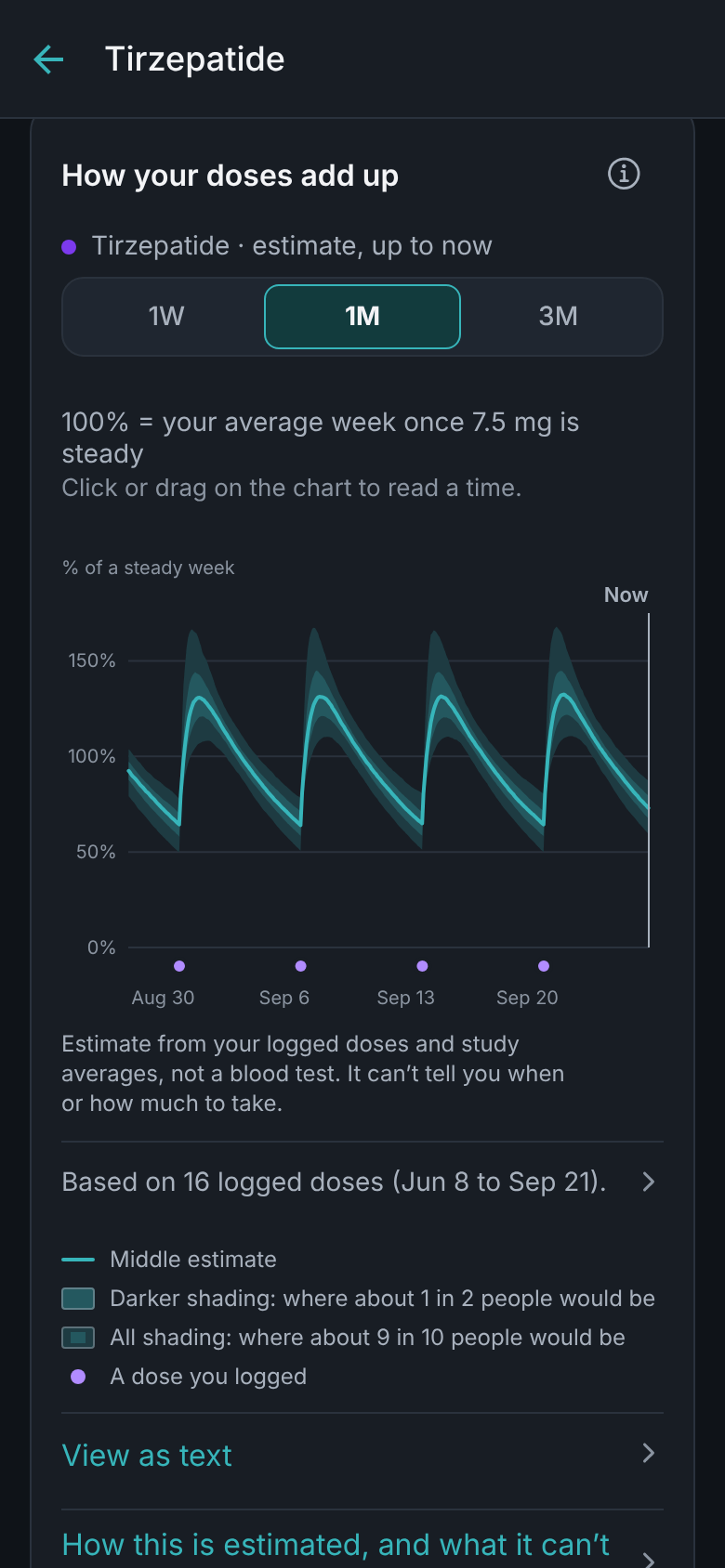
See how your doses add up.
An optional chart estimates how the doses you log add up over time, as a share of a steady week on your current dose, with shading for how much people differ. It stops at now: no forecasts, no targets, no alerts.
✓For Ozempic, Wegovy, Mounjaro and Zepbound picked from the list
✓Your doses and every logged shot on the weight chart, too
✓An estimate, not a blood test: it can’t tell you when or how much to take
Only the reminders you set. Unlike campaign texts.
Reminders for your doses, follow-ups only if you want them, quiet hours, and no other notifications.
No account. No ShotPlot server. No AI datacenter. Just your phone.
Backup is optional: your own Google Drive, which ShotPlot can’t read — and on iPhone, the phone’s own iCloud backup.
And the rest
Everything else it does, briefly.
History and stock
Your whole history, how consistent you’ve been, how much is left, and a note before you run out.
Backup and export
Free automatic backup to your own Google Drive, a backup file you keep, and a spreadsheet of your log.
A report for your appointment
A PDF of your medicines, every recorded dose and your notes to bring along. With Plus: any date range, every site and any reaction.
GLP-1s, ready to tap
Adding Ozempic, Wegovy, Mounjaro or Zepbound? The label’s usual doses are ready to tap, including the step-up: the prescribed dose increases over the first weeks. Your prescriber’s plan wins.
Other medications, too
Unlimited medicines: tablets, patches, sprays and drops beside the shots.
Home-screen widgets
Your next shot and its spot on the home screen, and Log shot when one is due. Android, with Plus.
App lock
Face ID, fingerprint or a PIN, and discreet reminders that never show a medicine, dose or site.
A voice, or just the facts
Dry, a little sarcastic about the calendar, never about you. One switch turns it off; doses, times and sites always stay plain.
The app dresses up for the season. The doses don’t.
Halloween in October, Thanksgiving in November. They come with Plus, and the app goes back to its own colors by itself when the season ends.
ShotPlotAll year
HalloweenOctober
ThanksgivingNovember
Free and Plus
Most of it is free. The rest is paid for once.
Free for good
Everything you need to keep track
✓Logging, reminders and follow-ups
✓The body map, the next spot and Coming up
✓Unlimited medicines
✓Your full history, and a report with your medicines, every recorded dose and your notes
✓Weigh-ins with the trend chart and the logbook
✓Automatic backup to your own Google Drive: each phone’s 2 newest copies
✓Backup files, spreadsheet export and the app lock
✓Light and dark
We don’t move a feature that has shipped free behind Plus.
ShotPlot PLUS
Pay once. No subscription.
$14.99once · lifetime Plus40% off at launch
Launch special: 40% less than the $24.99 Plus moves to after launch. US prices; the stores show yours in your currency.
✓The dose curve: an estimate of how your logged doses add up, history only
✓Your shots and each dose change on the weight chart
✓A projected goal date, with milestones on the way
✓Apple Health and Health Connect, both ways
✓Automatic backup keeps a copy for each of the last 30 days
✓Home-screen widgets on Android
✓The seasonal looks
✓The full doctor-visit report: any date range, every injection’s site and any reaction
🎃HalloweenThis month’s look, with Plus.
ThanksgivingThis month’s look, with Plus.
The boring kind of business model, on purpose.
Sold separately on iPhone and Android; restore it on a new phone from the same store account. Insight features added later join Plus at no extra cost.
Privacy
Your records stay with you.
No account, no ads, no analytics, no AI. Your records are on your phone, and in your own Google Drive if you turn on backup, which ShotPlot can’t read. Nothing else leaves unless you send it.